What can be done?
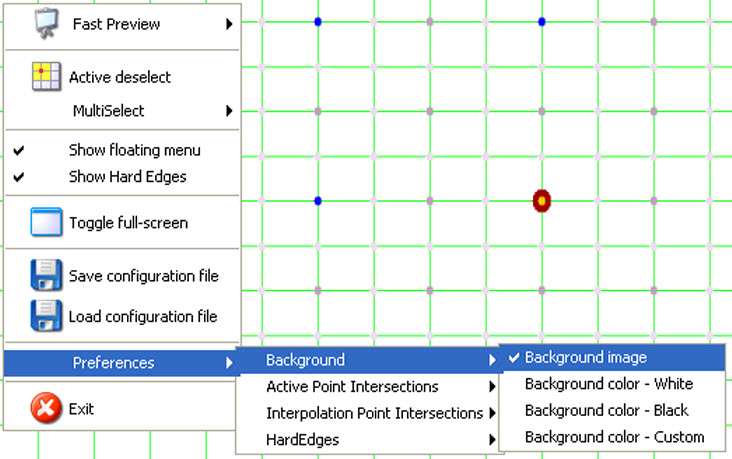
The projected image behind the warping raster can be the current image, a white image, a black image or a custom color.

The projected image behind the warping raster can be the current image, a white image, a black image or a custom color.
Right click on the raster window.
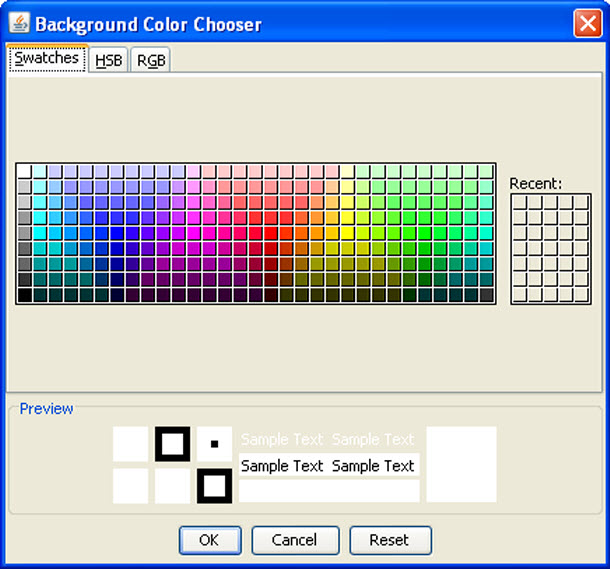
When is selected, a color selection window opens.
Click on the desired color and click OK to activate that color.