About rotating
The image can be rotated around a predefined axis point. This is considered as an equal rotation of the 4 corner points in 2 x 2 mode and with the full area selected. The default rotation point is the center of the image.
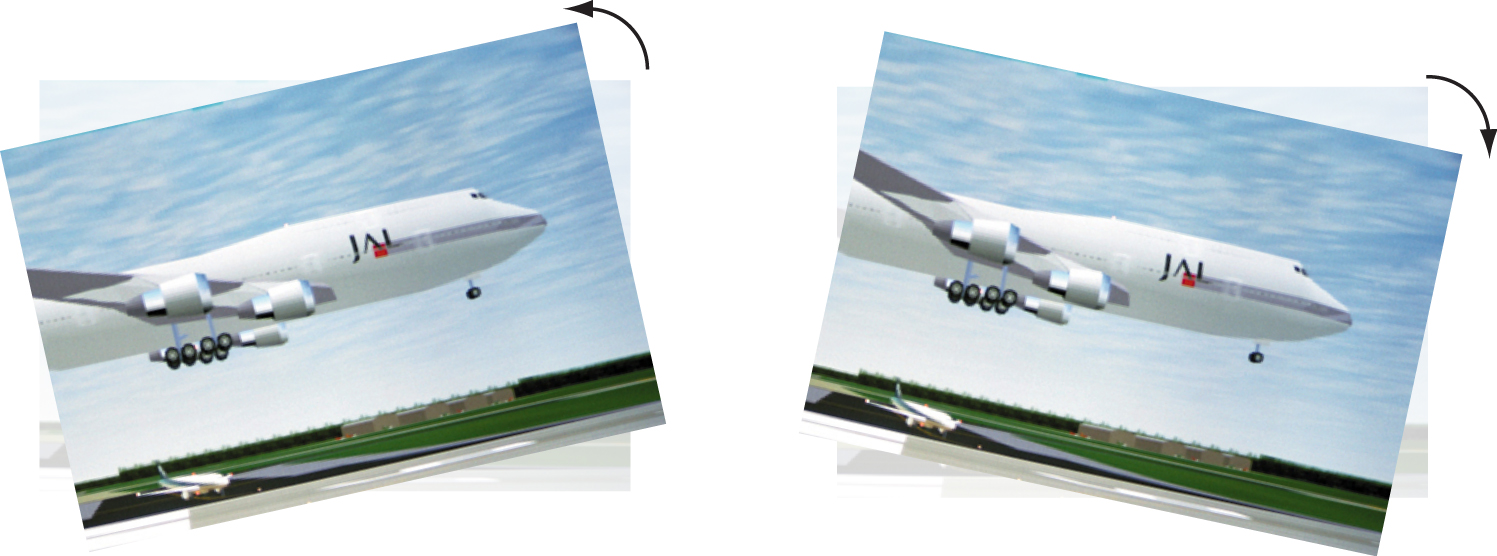

The image can be rotated around a predefined axis point. This is considered as an equal rotation of the 4 corner points in 2 x 2 mode and with the full area selected. The default rotation point is the center of the image.
Select full image as Warp area (1).
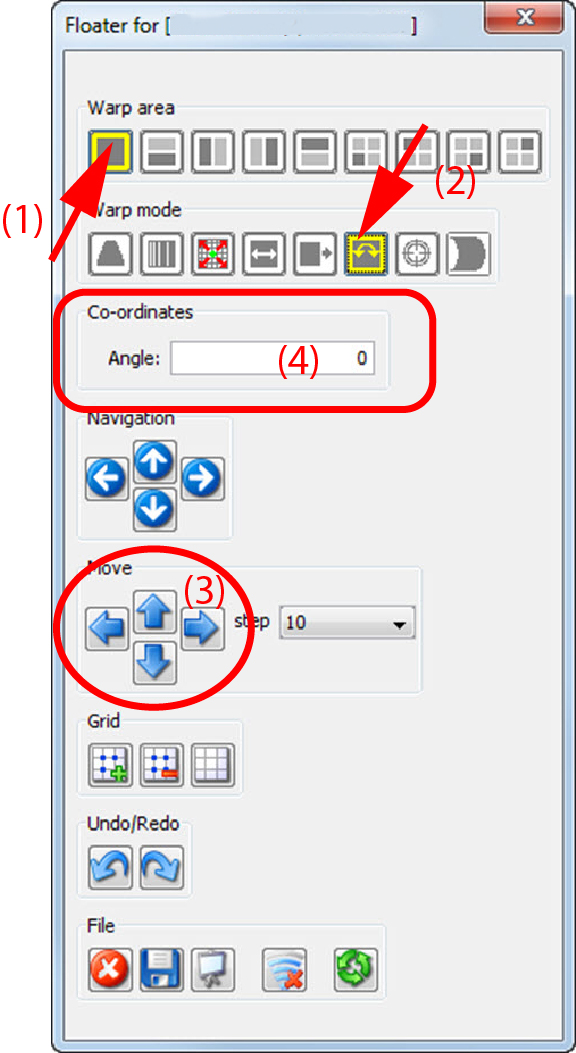
Select as warp mode Rotation (2).
The 4 corner nodes are selected.
Click on a corner node and rotate while dragging it to the desired position
click in the pane on the left (down) ore right (up) arrow key until the desired rotation of the image is obtained (3).
To fine tune this adjustment, reduce the step.
enter in the pane the rotation angle with a decimal value (4).