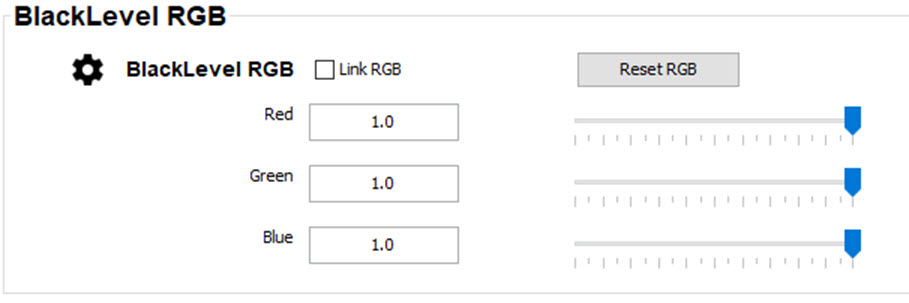
About RGB adjustment
The purpose of black level correction is to ensure a uniform black level in multi projector setups. Even when two projectors are of the same type, different projectors will output slightly different colors for black due to minor variations in their optical components. So if the projected image of the projectors overlap, there will be 3 different black levels: one for the zone where only the picture of the left projector (zone 1), one for the Blend zone (zone 2), and one for the zone where there is only the picture of the right projector (zone 3).
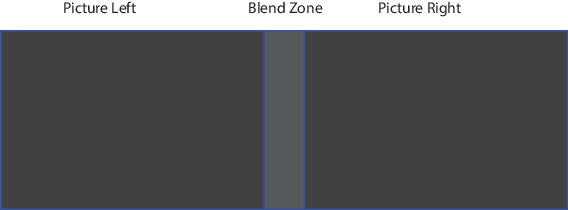
The black levels for zone 1 and zone 3 are typically corrected by defining a black level mask, which is applied to the image of each projector. This system is already in place but the applied mask is monochrome.
Using the Basic Black Level menu, you can already specify the area of the mask and its contents. But by using the RGB Black Level menu, you can specify the multiplication factors (gains) for the Red, Green and Blue colors separately.