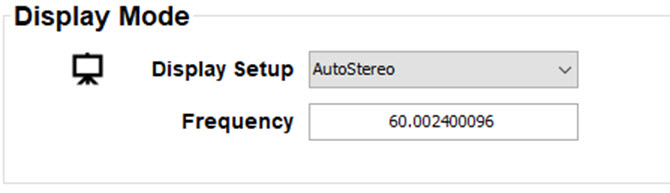
Output modes
The following output modes are available:
- AutoStereo: Automatic mode (2D input = 2D output, 3D input = Active Stereo output).
- Mono: Forces all source signals to 2D output.
- ActiveStereo: Forces all source signals to Active Stereoscopic 3D.
Use the following table as an indicator of what display mode you require.
| Source signal | AutoStereo | Mono | ActiveStereo |
| 2D Source | Output is a 2D image | Output is a 2D image | Output is in Active Stereo |
| Active Stereo source | Output is in Active Stereo | Output is a 2D image | Output is in Active Stereo |
| Passive Stereo source | Output is in Active Stereo | Output is a 2D image | Output is in Active Stereo |