About brilliant color
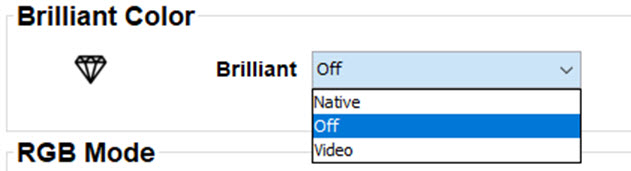
This function changes the color spectrum. This has the effect of increasing the saturation of colors, without adding white. The balance of colors displayed will be more true to the original.

This function changes the color spectrum. This has the effect of increasing the saturation of colors, without adding white. The balance of colors displayed will be more true to the original.
While in the tab, go to the pane.