What can be done?
Each IR sensor can be individually disabled or enabled.
When all sensors are turned off, the projector will no longer respond to signals from the remote control. Projector toolset can enable the desired sensors.

Each IR sensor can be individually disabled or enabled.
When all sensors are turned off, the projector will no longer respond to signals from the remote control. Projector toolset can enable the desired sensors.
While the tab is selected go to pane and check or uncheck the check box in front of an IR receiver position.
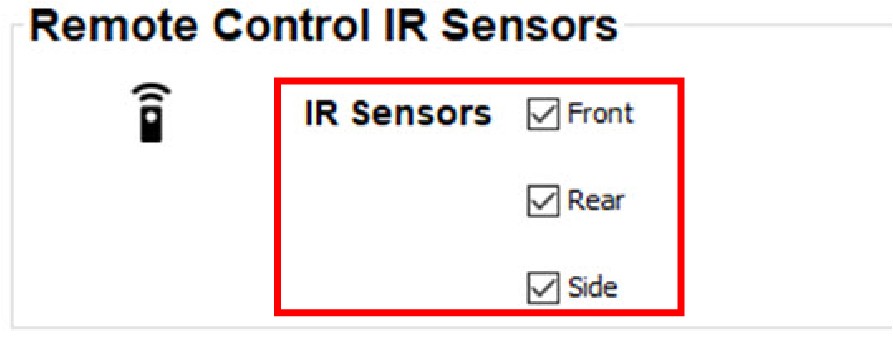
Checked: IR receiver is active.
Not checked: IR receiver is inactive.