About WiFi
When the optional WiFi module has been installed on the projector, you can configure the projector in such a way it can access the network via WiFi instead of a LAN cable.
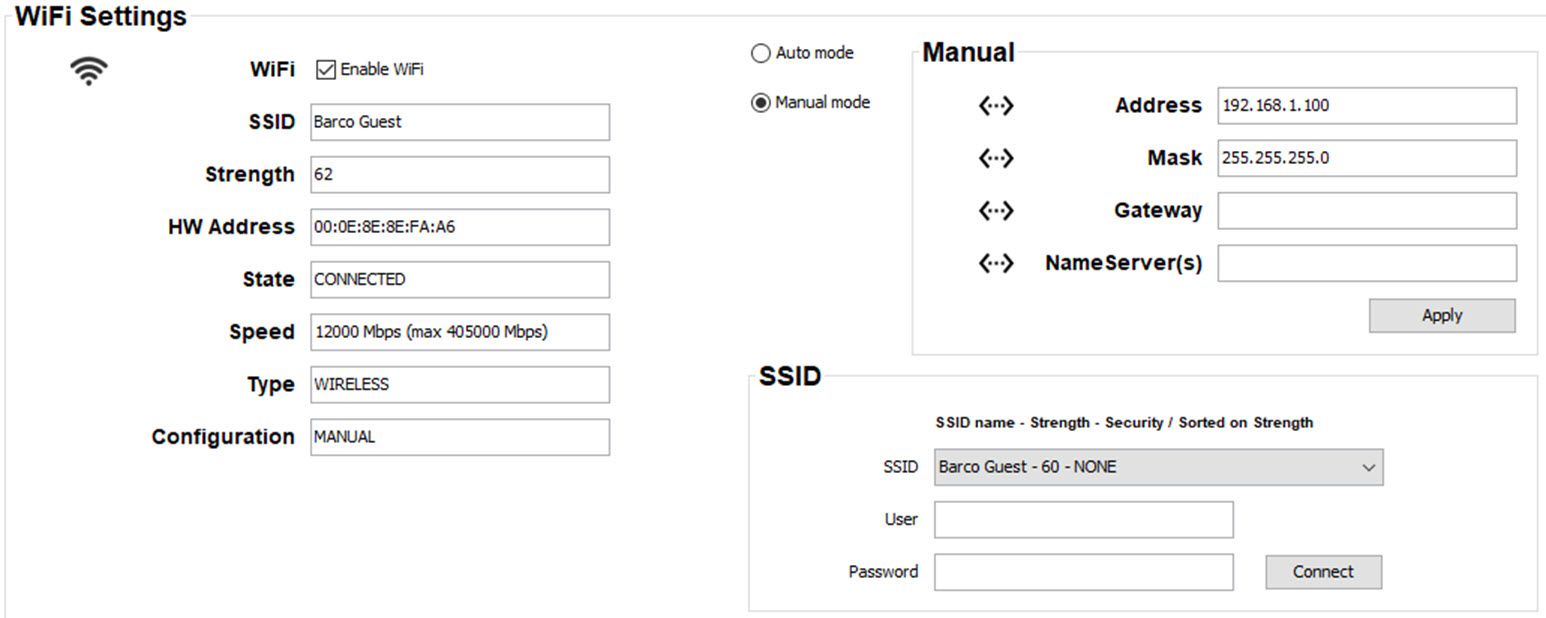
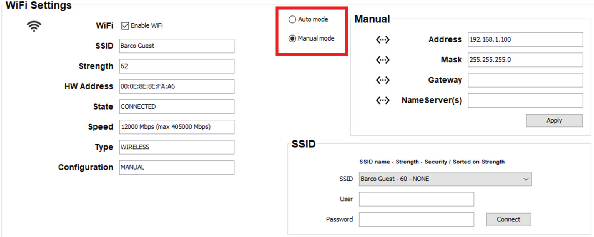
To use WiFi, check the check box in front of .
The following info is displayed
- SSID
- Strenght: signal strenght
- HW address
- State: Connected – not connected
- Speed
- Type
- Configuration: manual or auto