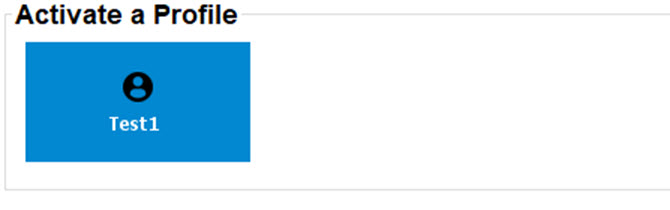
What can be done?Any created profiles are displayed on the General tab page and can be activated.Tip: If no profiles are available in the projector, this pane is hidden.