14.1 LAN settings

About LAN network

The information in the LAN network pane is only given for information. Except the hostname.
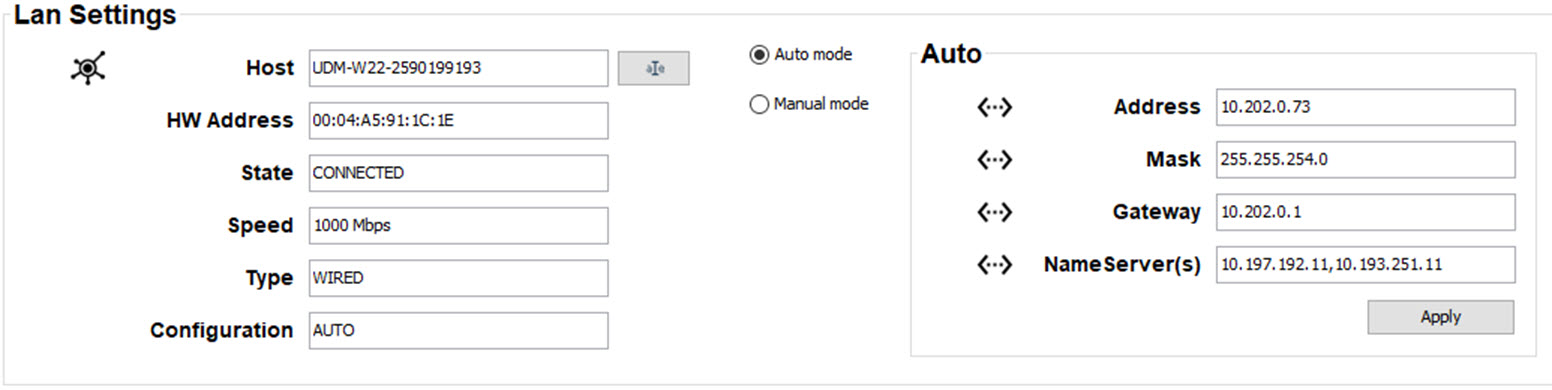
Image 14–1 LAN settings

The following info is displayed:

The hostname can be changed.

Changing the hostname
  1. First click on the icon next to the host name. This icon will change into save icon and the host name field becomes editable.
  2. Click in that input field, select the current host name and enter a new host name.
  3. Click on the save icon to store the new host name.
How to select the communication mode
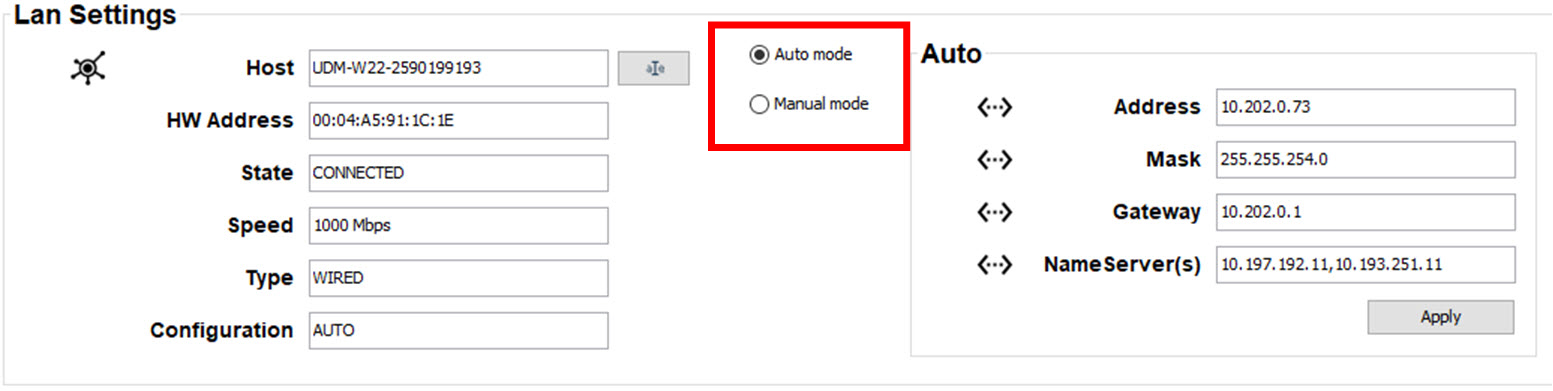
  1. Click on the radio button of your choice.

    Image 14–2 Communication mode

    The lower pane will change accordingly.

    When Auto mode is selected, the DHCP obtained address will be filled out together with the Mask and Gateway.

    When Manual mode is selected, the current manual entered address is displayed. The Address, Mask and Gateway address can be changed.