Start up
While in the Preferences menu:
Click on Settings.
The settings preferences window is displayed.
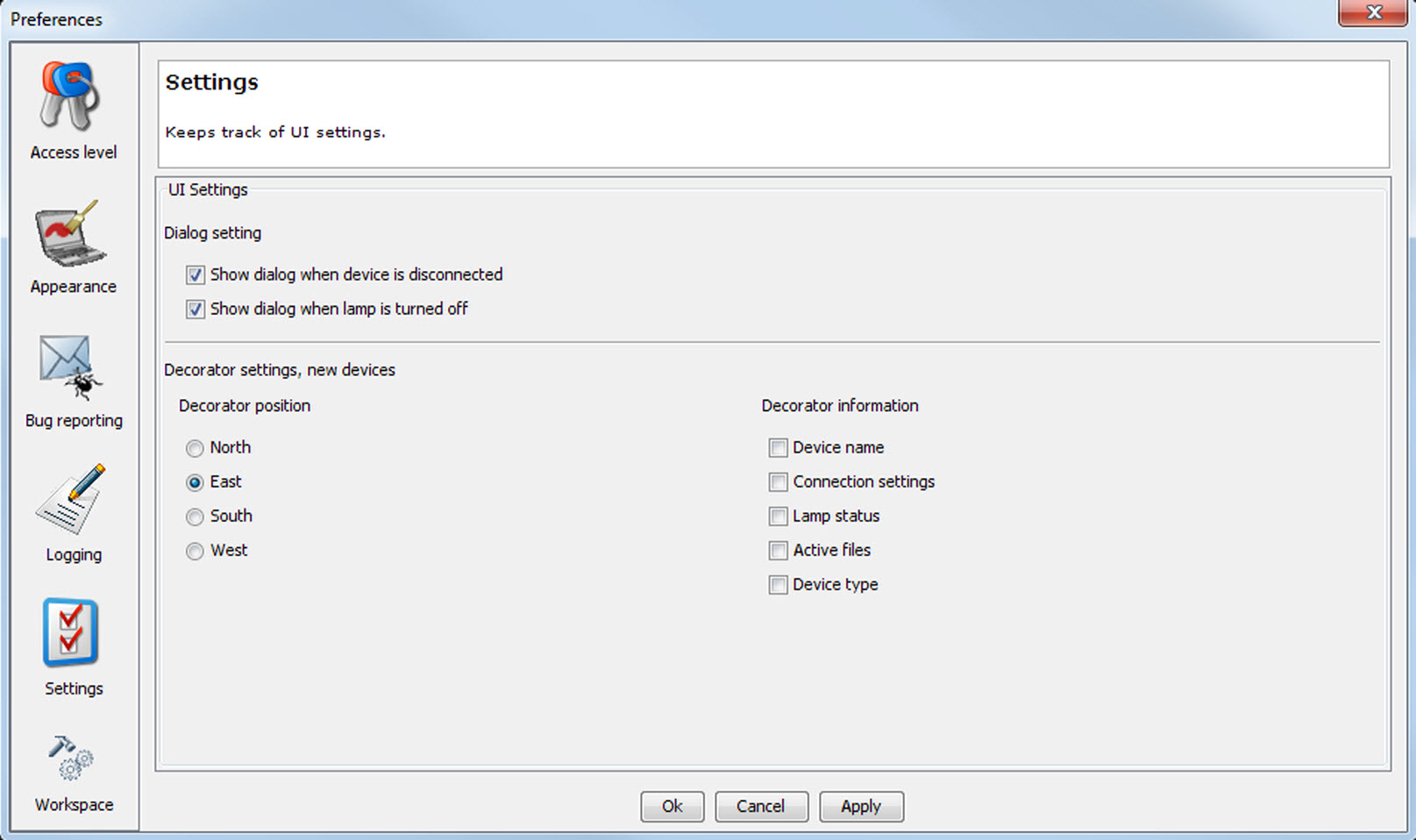
Image 4–12 Settings menu

While in the Preferences menu:
Click on Settings.
The settings preferences window is displayed.
To prompt a dialog box when device is disconnected, select the checkbox in front of .
To prompt a dialog box when the light source is turned off, select the checkbox in front of .
When creating a new device, the default decorator settings can be set .
To set the corresponding decorator position, select the corresponding radio button.
To add extra decorator information, select the checkbox before the desired information.