Overview
The firmware of the projector/device can be updated with Projector Toolset.
Free downloadable packages can be found on Barco's website, (URL: www.barco.com). Go to MyBarco and login. Registration is necessary.
If you are not yet registered, follow the link to register and follow the instructions. With the created login and password, it is possible to enter the Partnerzone where you can download the desired software upgrades.
Updating of multiple projectors at the same time is possible. When the update is started on one projector/device and running, it is possible to start up an update on second projector/device.
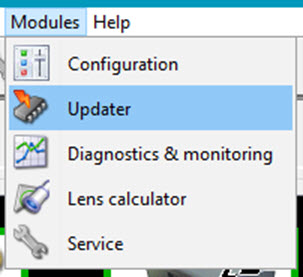
 ) on the navigation button bar or click on Modules and select