About axis position
The axis used to rotate an image can be moved to any position on the screen. The axis position is indicated with a yellow dot.

The axis used to rotate an image can be moved to any position on the screen. The axis position is indicated with a yellow dot.
Select full image as Warp area (1).
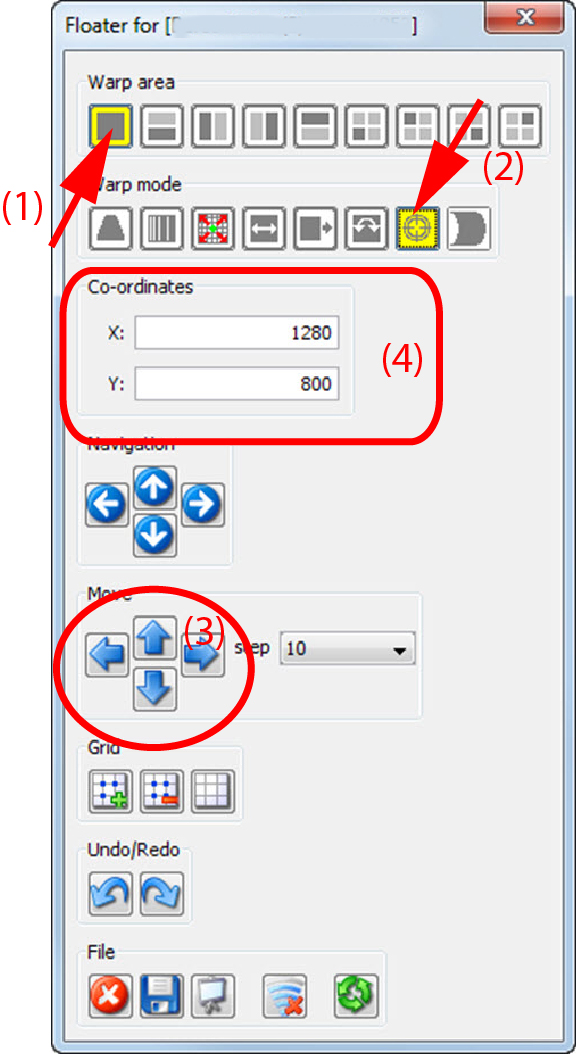
Click on the current axis point position (normally the center node) and move the axis point to the desired position.
click in the Move pane on the arrows until the desired position is obtained.
To fine tune this adjustment, reduce the step.
enter in the pane the X and Y movement of the axis point (4).