What can be done?
You can alter the splash image that is displayed on the LCD display during startup and shutdown of the projector.
By default this is an image of the projector itself. However, you can customize this (e.g. your company logo).


You can alter the splash image that is displayed on the LCD display during startup and shutdown of the projector.
By default this is an image of the projector itself. However, you can customize this (e.g. your company logo).
While in the Service module, click :
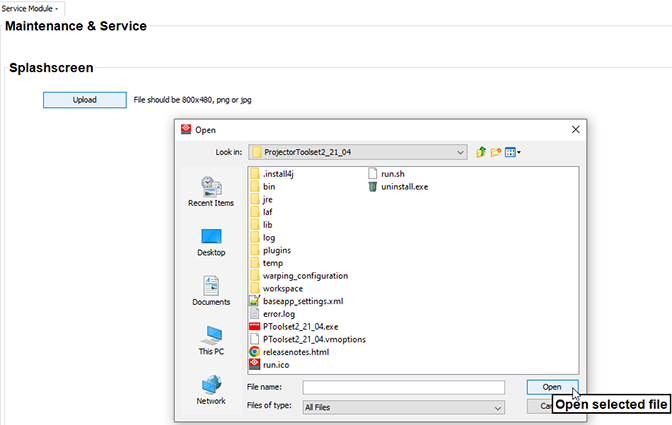
Click on the Upload button.
A browser window opens.