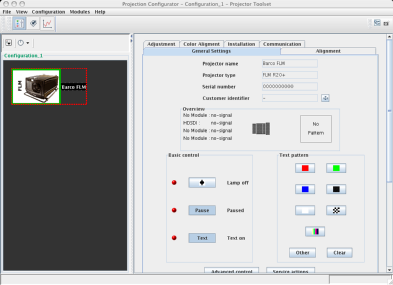
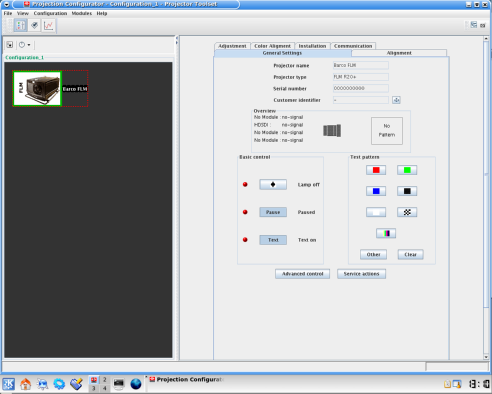
Launching Projector Toolset on Microsoft Windows
To start up the Projector Toolset software:
Click on Start → and select → → .
orif a desk top icon is available, double click that desk top icon.
The software starts up. This start up procedure can take a while. First splash screen opens.
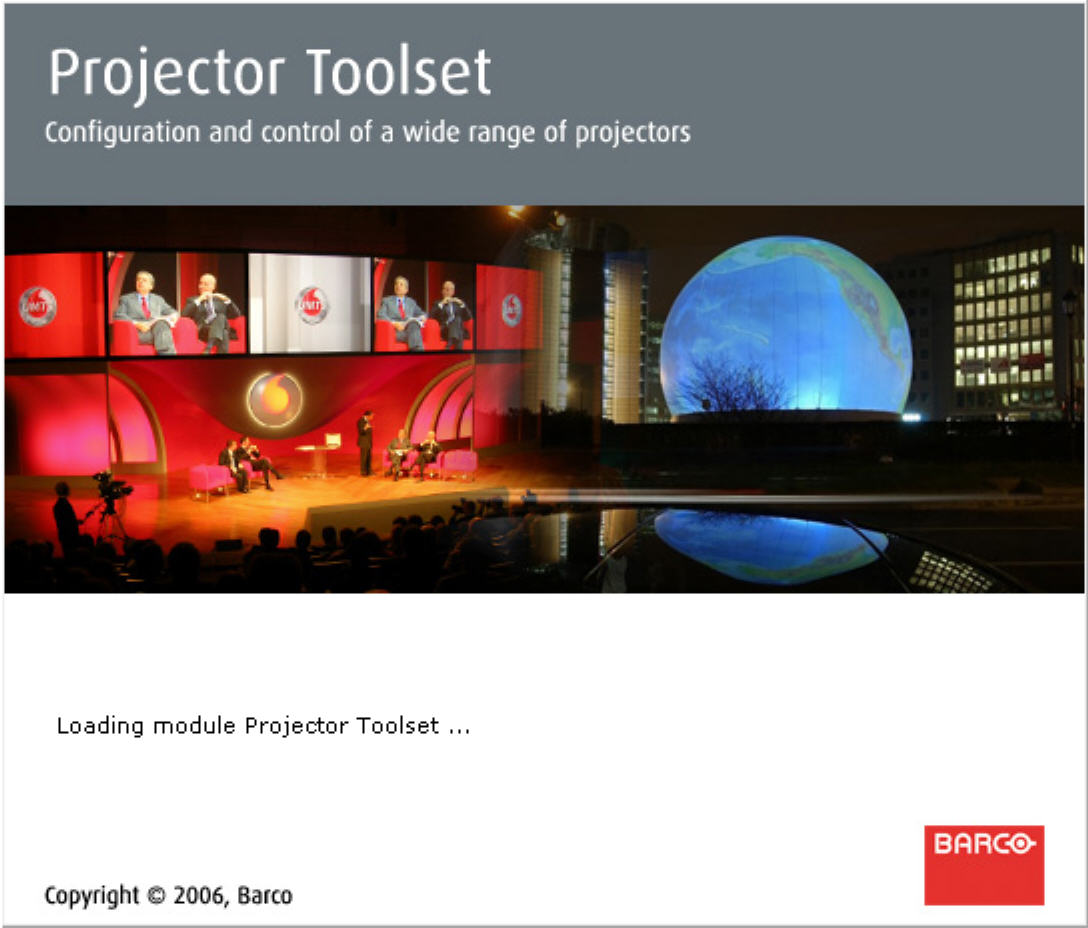
Image 2–2 Start up splash screen The software starts up with the latest used configuration