Overview
Click on the General tab to open the general properties if not yet open (a).
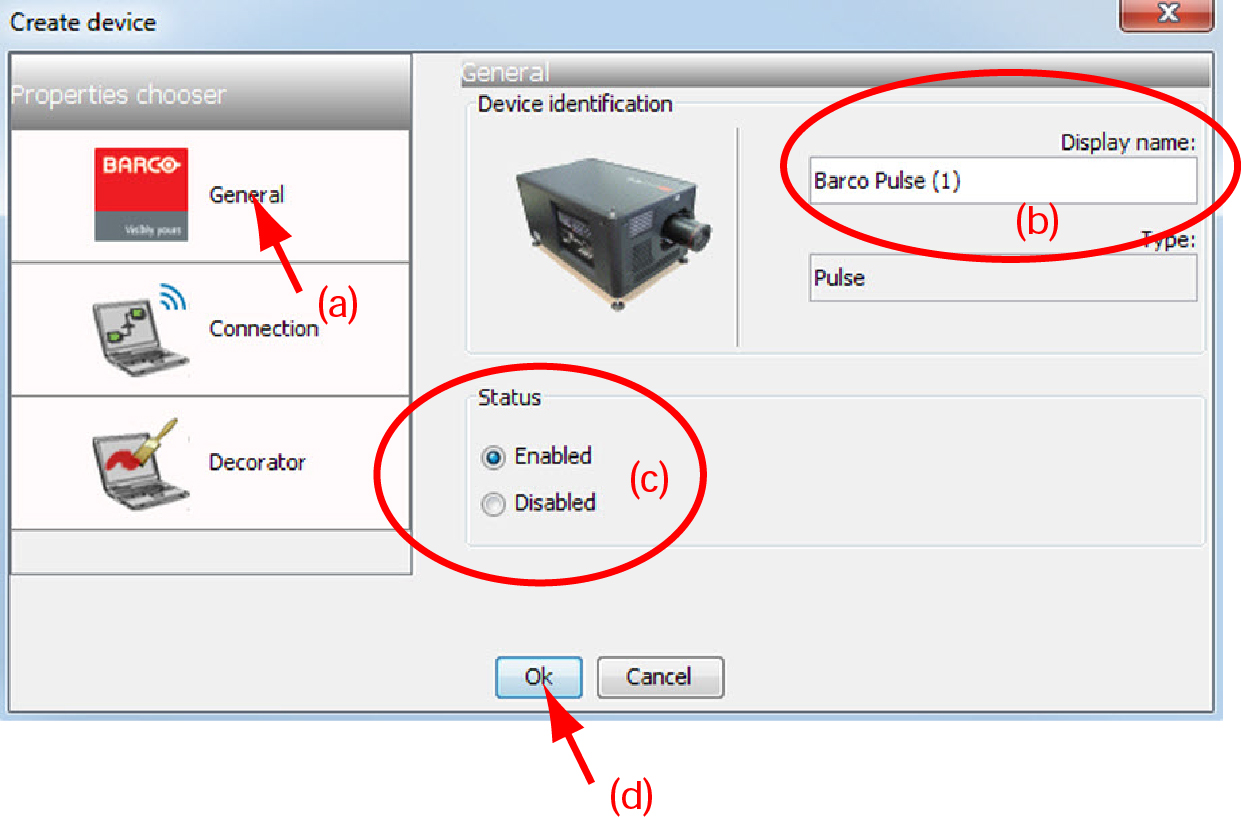

Click on the General tab to open the general properties if not yet open (a).
The default display name is Barco followed by the projector type.
This name can be changed to any other name. Click in the name field, select the current name and enter a new name (b).
Next to the display name, the device type is indicate with the name and a device icon.
Indicates the communication status of the projector (c).