7.11 Screen size

About Screen Size adjustment

If the used source aspect ratio is different than the projector aspect ratio, e.g. source is 16:9 and projector is 16:10, then black bars will be projected. In the example case a black bar on top and bottom of the image will be projected. With screen size these black bars can be eliminated. This makes it also more easy when using warp as the image corner will be taken in stead of the corner of the black bar.
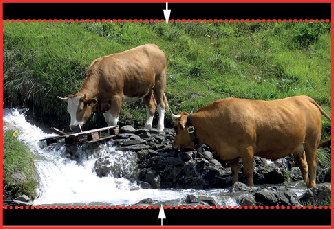
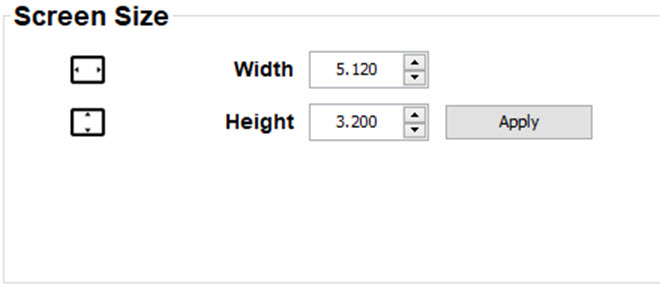
Image 7–15 Warp outline example
How to adjust
  1. To change the screen width, click on the up down control of the spin box until the desired width is reached

    or

    click in the input field, select the current value and enter a new width.

    Image 7–16
  2. To change the screen height, click on the up down control of the spin box until the desired height is reached

    or

    click in the input field, select the current value and enter a new height.

  3. Click Apply.