What can be done?
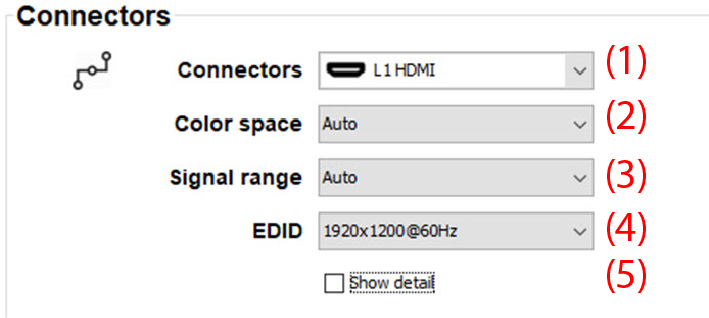
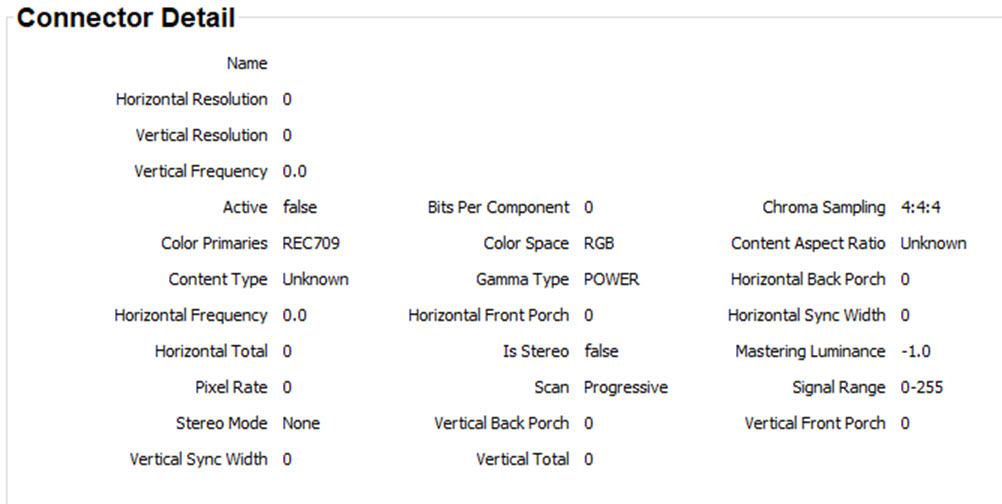
The connector pane allows to change the settings for each input connector to the projector.
By default all options for every connector are set to automatic, together with the native Extended Display Identification Data (EDID).
When entering the menu for each input connector, the following changes can be made:
- Color Space
- Signal Range
- EDID