What can be done?
Within a certain power mode, the light output of the illumination source can be reduced by reducing the illumination power.
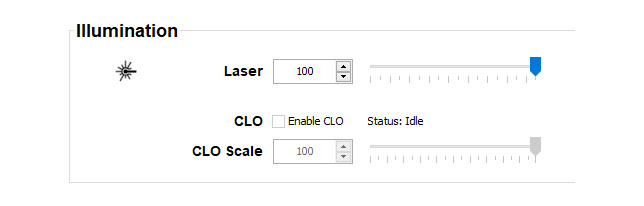


Within a certain power mode, the light output of the illumination source can be reduced by reducing the illumination power.
Make sure the that CLO is not enabled. Uncheck the checkbox next to CLO.
With an enabled CLO, the power output cannot be adjusted.
Click on the up down control of the spin box next to until the desired output power is reached.
click in the input field, select the current value and enter a new value with the keyboard.
click and drag the slider until the desired value is reached.