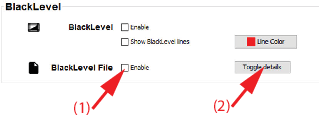
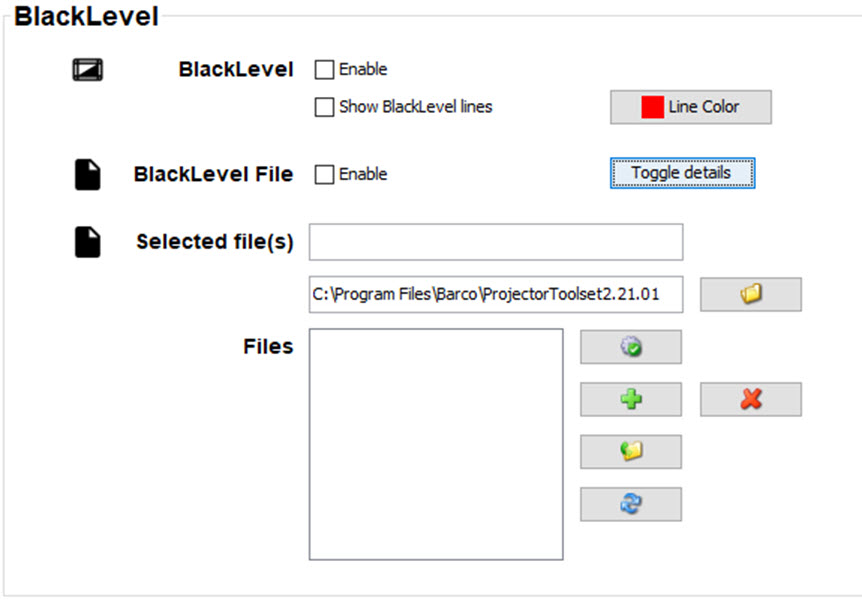
About adjusting the black level
The purpose of the black level adjustment is to align the black levels in the overlapped regions with the black levels in the other regions.
This is needed because the black levels will be brighter in the blend zones, since multiple projectors will project on the same screen area.
The size of the black level area is calculated automatically from the blend zones. This is done by using the start position and size of each edge of the blend and adding an additional size of 8 pixels to reduce the effect known as "sea of mirrors".