
How to start up ?
Click on on the menu bar.
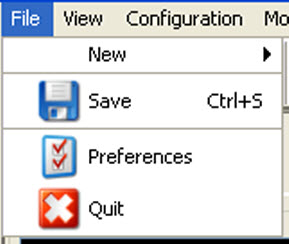
Image 4–1 Select Preferences The file menu opens.
Select .
The dialog box opens.
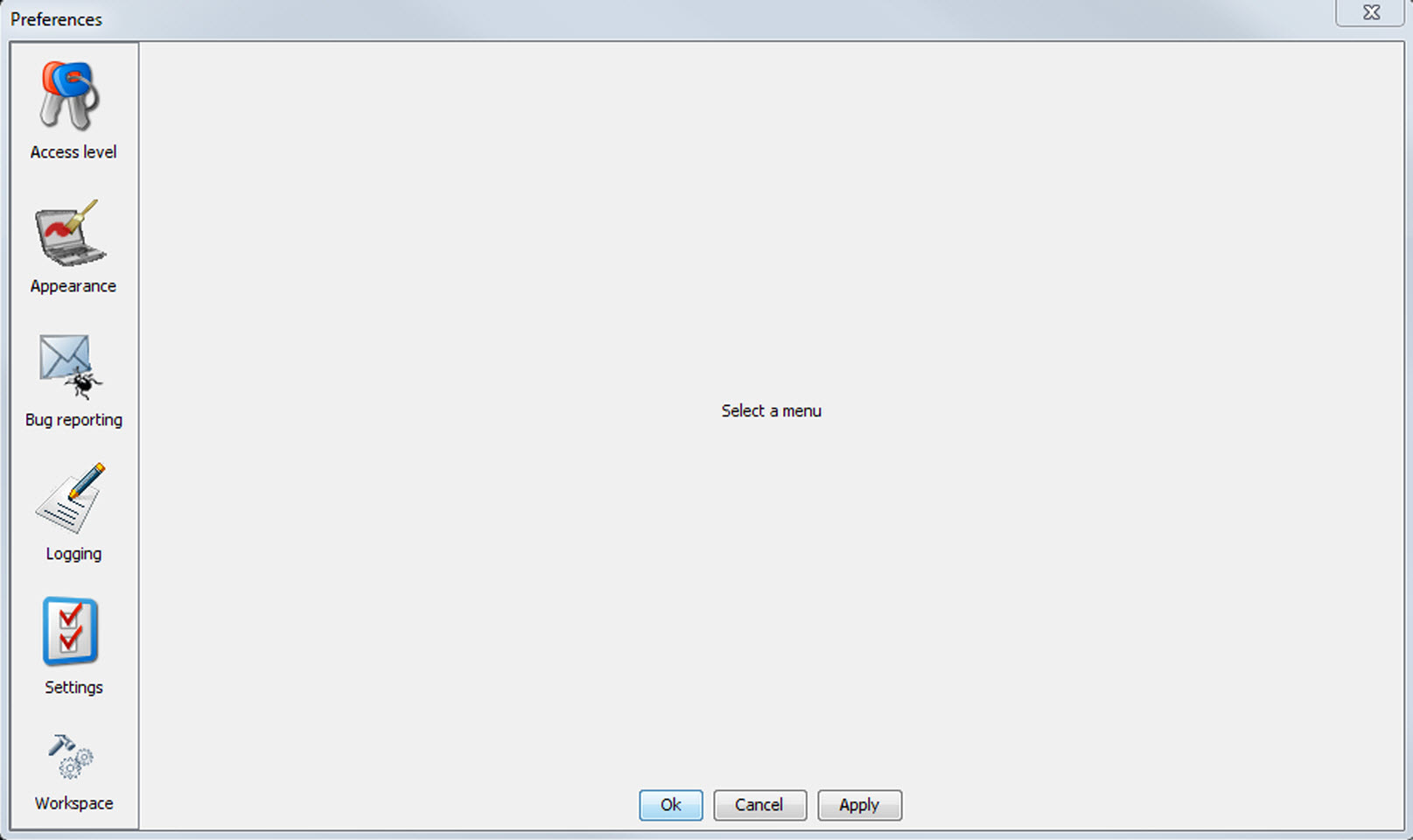
Image 4–2 Preference window - Use the Show all button to display all the preference items. This Show all buttons is available in all following sub preference windows.
Use Apply button to apply a preference change in one of the other module.
Use Cancel to ignore the preference changes.
Use OK to apply the preference changes and to close the window at the same time.