About connector override
Some settings for the source connected to the selected connector in Connections can be override with new values.
The image settings such as brightness, contrast, saturation and gamma can be set to a new value.
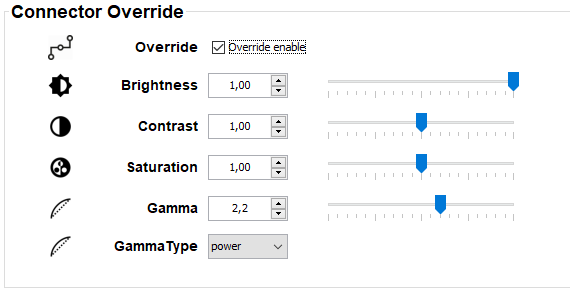

Some settings for the source connected to the selected connector in Connections can be override with new values.
The image settings such as brightness, contrast, saturation and gamma can be set to a new value.
To activate override, check the check box in front of .
Checked: override is active, new settings will be applied.
Not checked: no override active. Original settings will be used.