What can be done?
The cross lines through all intersection points can be disabled or enabled with the default color which is green or a custom color.

The cross lines through all intersection points can be disabled or enabled with the default color which is green or a custom color.
Right click on the raster window to open the context menu.
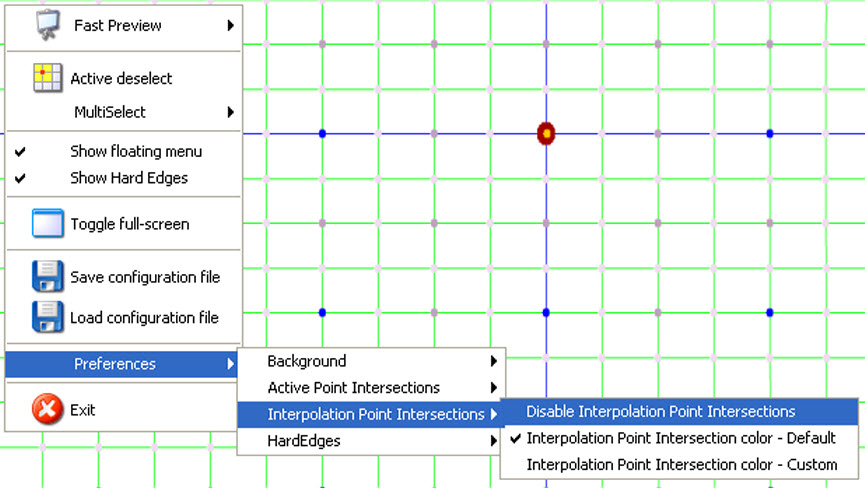
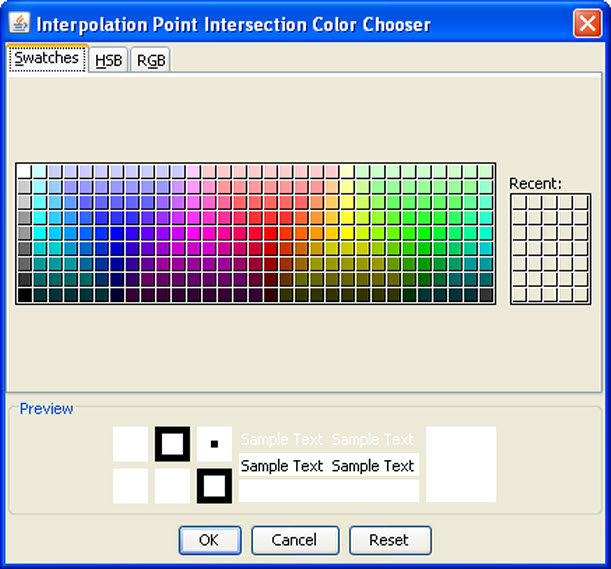
When Intersection Point Intersections color, custom is selected, a color selection menu opens.
Select the desired color and click OK to activate that color.