

How to upgrading firmware
- Verify that the Event Master series processor has internet access. Contact your system administrator if necessary.
Select Setup > Firmware Upgrade > Web Upgrade. The submenu shown in the following illustration appears.
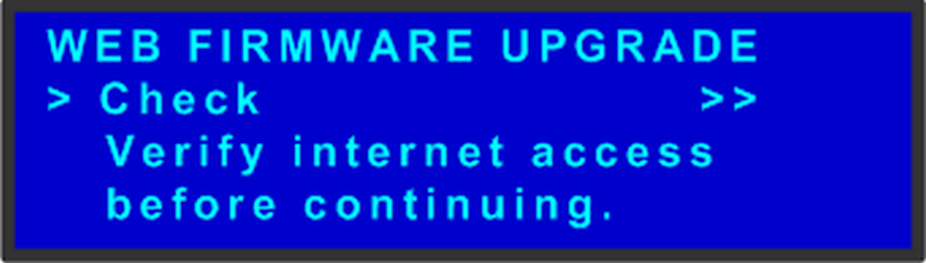
Image 8–4 Web Firmware Upgrade Submenu Select Check.
A message informs you if a new firmware version is available.
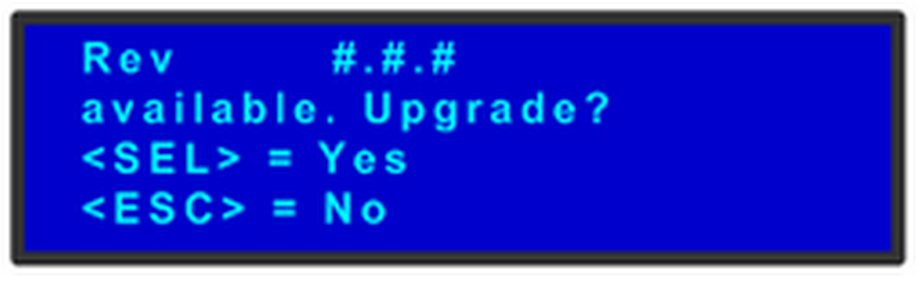
Image 8–5 Firmware Version-Upgrade Message orIf during the “Check” process new firmware is NOT detected, the following message will show:
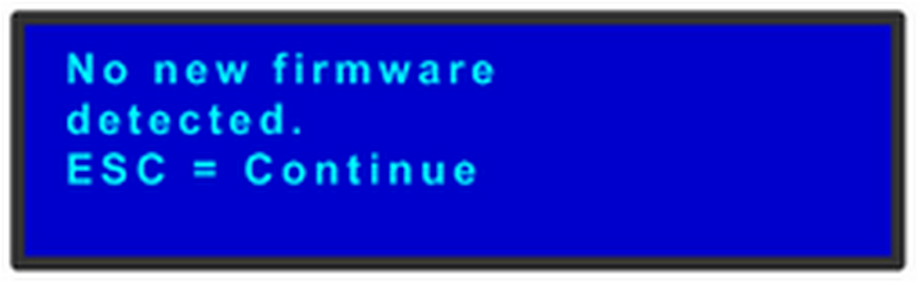
Image 8–6 No Firmware Available Message Press SEL to start the upgrade. A message will inform the user to “Please wait...”

Image 8–7 Upgrade Wait Message After the upgrade is finished, the unit will automatically reboot.
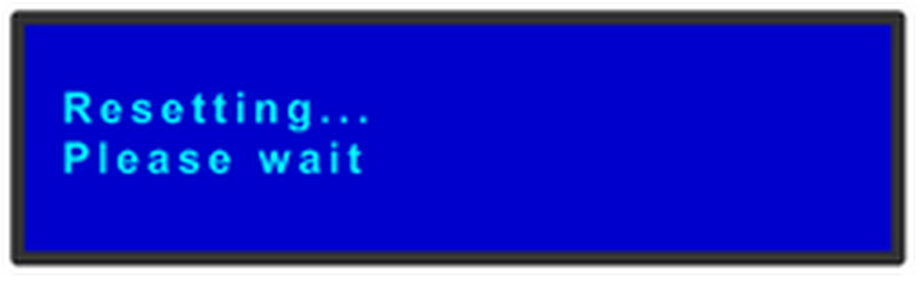
Image 8–8 Resetting Message