Flow chart


| R767268K | Rack Ears kit |
1 x Phillips Screwdriver #2
Loosening and removing the eight (four on each side) pan head screws that secure the brackets to the chassis sides.
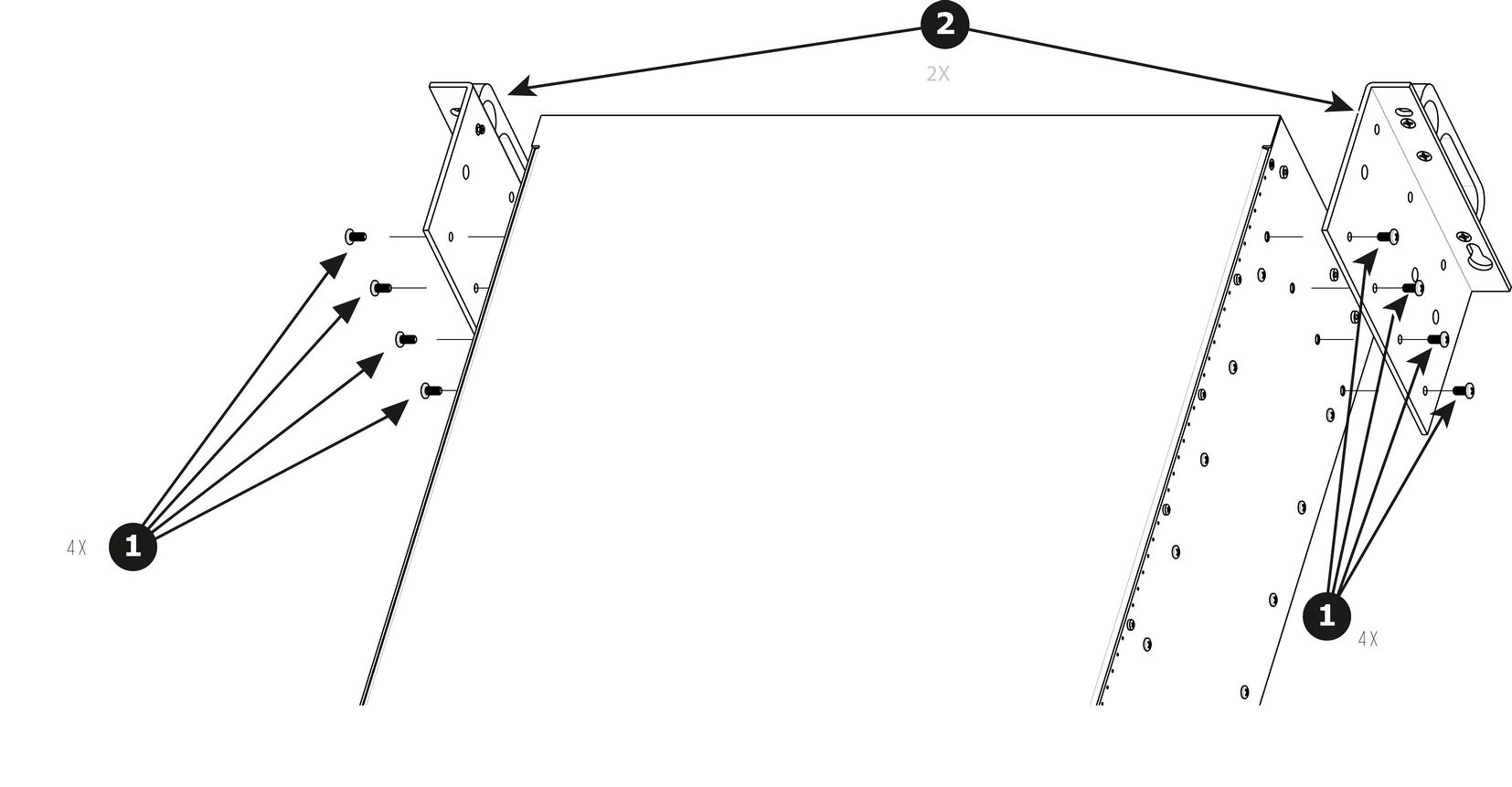
To install the Side Rack-Ears follow the same procedure in the reverse order.