Overview
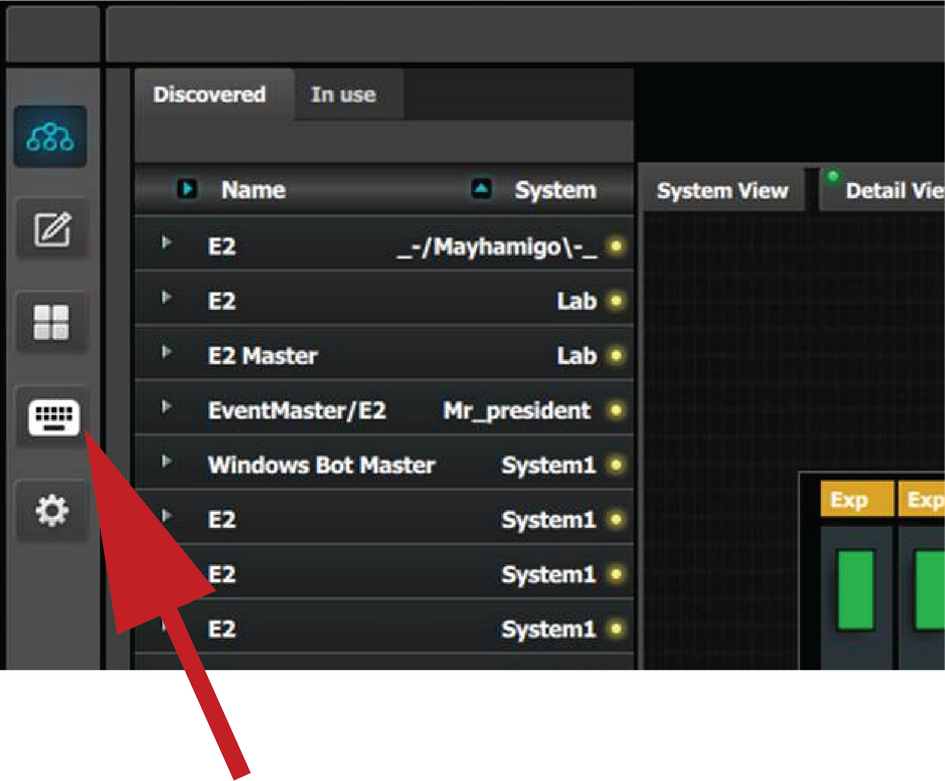
In the Event Master Toolset, click on the  icon to open the controller menu setup page.
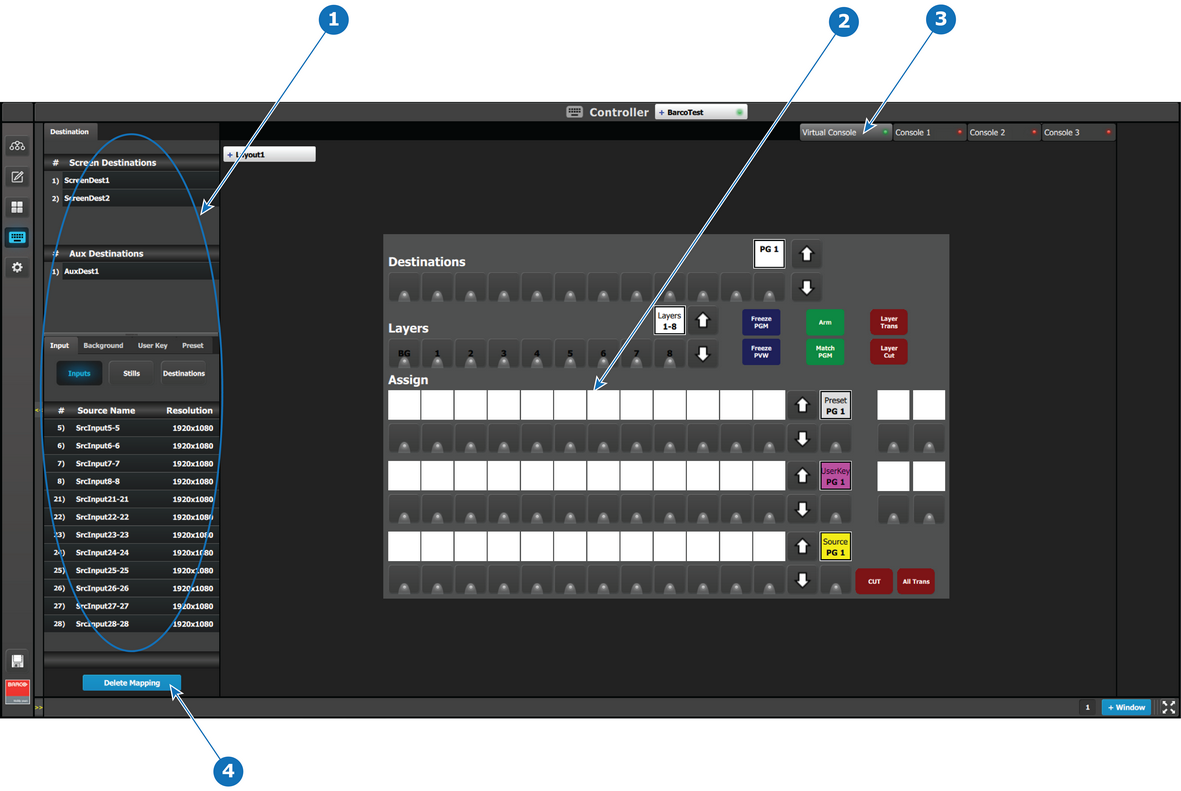
- 1
- Resources
- 2
- Virtual console
- 3
- Console Representation Selection
- 4
- Delete Mapping button

In the Event Master Toolset, click on the icon to open the controller menu setup page.
Drag and drop the resources from the right side onto the buttons corresponding to the ones on the console.
In the case a mapping is incorrect, a Delete Mapping button in the lower part of the resource pane is available. When this button is clicked on it will turn in red. Now select the button with the incorrect mapping.
There are four tabs with a bullet indication, Green means available and Red unavailable. The Virtual console is always available for use in Event Master Toolset. When an EC-40 is connected, the first tab is also available.
The assigned resources are separate from each tab. However the assignment is transparent from the Virtual Console to the connected EC-40. Once the Tab representing the EC-40 is selected and more mapping is done, they will differ from each other.
This allows the use of the resource assignment page as a second tactical input.