Flow chart


Note: Before you proceed removing the Front panel knob you need to remove the Front Cover Assembly as outlined in the related procedure.

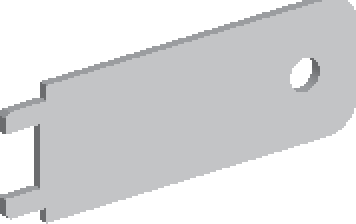
Knob removal tool provided by Barco
Remove the knob cover with a flat screw driver or a sharp object to expose the inside of the knob.
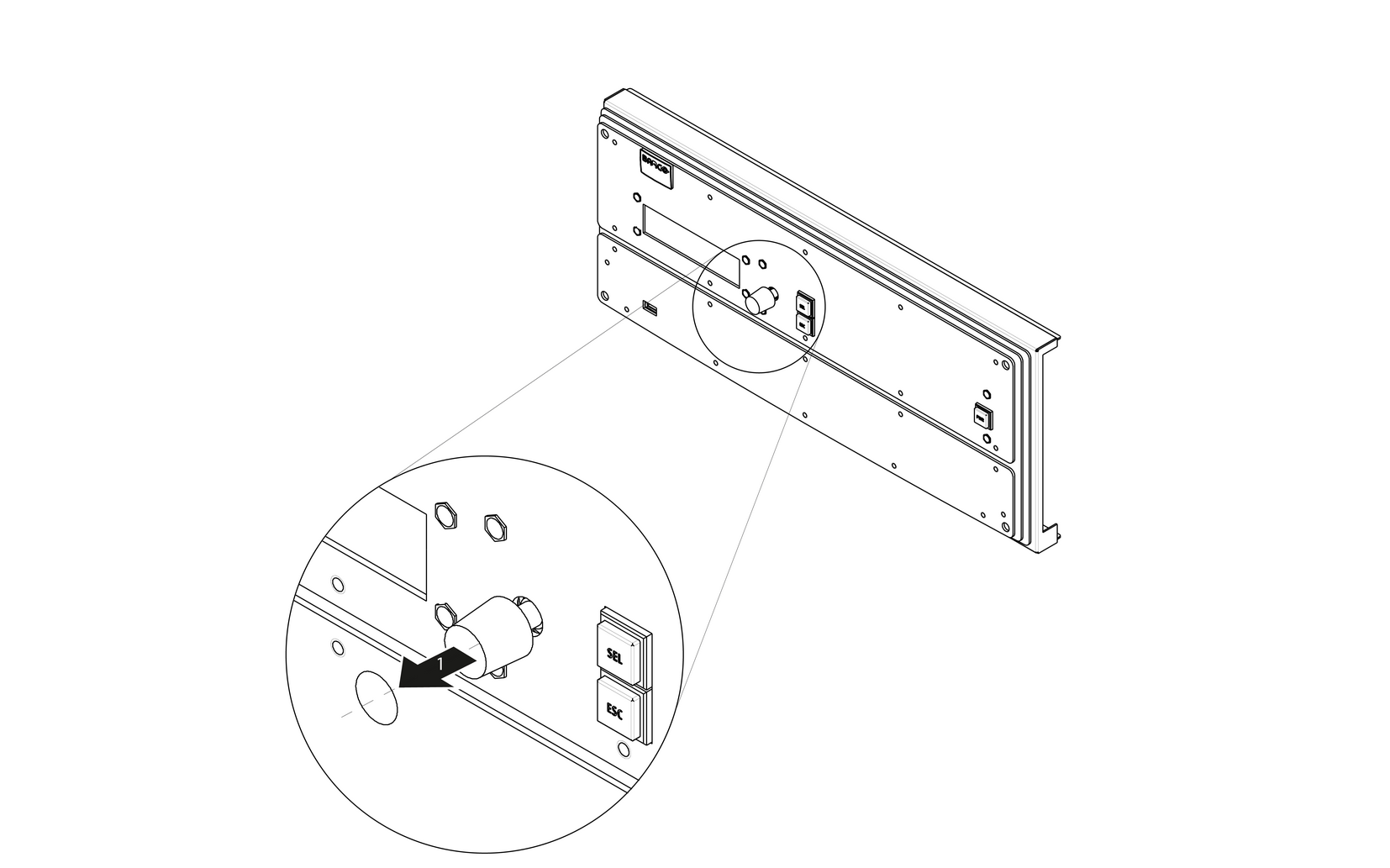
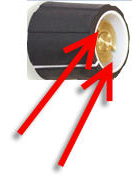
Use the knob removal tool provided by Barco to take out the knob. Align the notches on the tool with the grooves in the knob as indicated below.
To install the Front Panel Knob follow the same procedure in the reverse order.