General
In the Layer menu, users can also manage the backgrounds. Two background channels are provided per destination (BG A and BG B), each of which appears at the system’s lowest priority — visually in back or underneath all other layers.

In the Layer menu, users can also manage the backgrounds. Two background channels are provided per destination (BG A and BG B), each of which appears at the system’s lowest priority — visually in back or underneath all other layers.
Background adjustments are done in the Layer configuration menu. Layer configuration menu is accessed by clicking on the Layer tab.
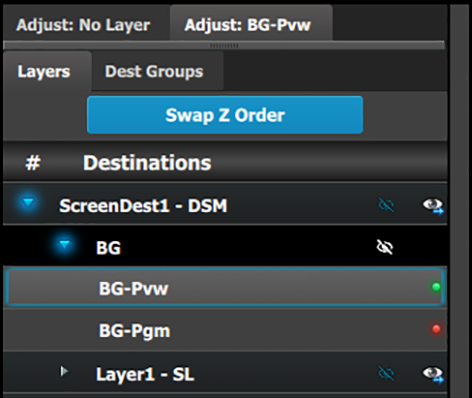
Adjustments to Backgrounds are performed in the “Adjust” panel:
Select the background from the list in the layer panel
Select the background from the preview windows.
The layer is selected.
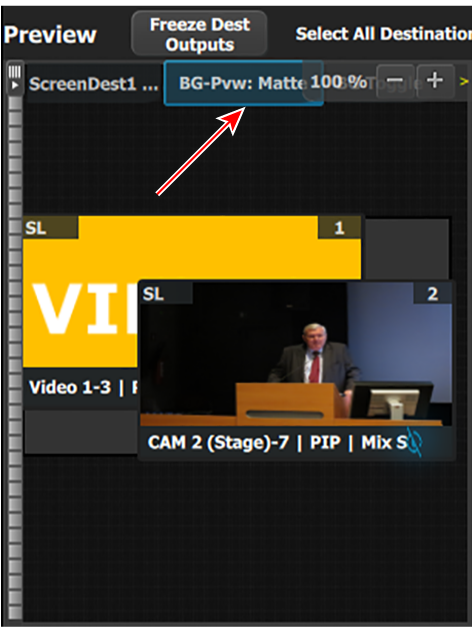
The background button will have a blue highlight when selected.
Click on the Adjust tab that is on the top of the adjustment area.
The background adjustment panel is displayed.
Background can either be either Still or Matte.

Background matte adjustment:
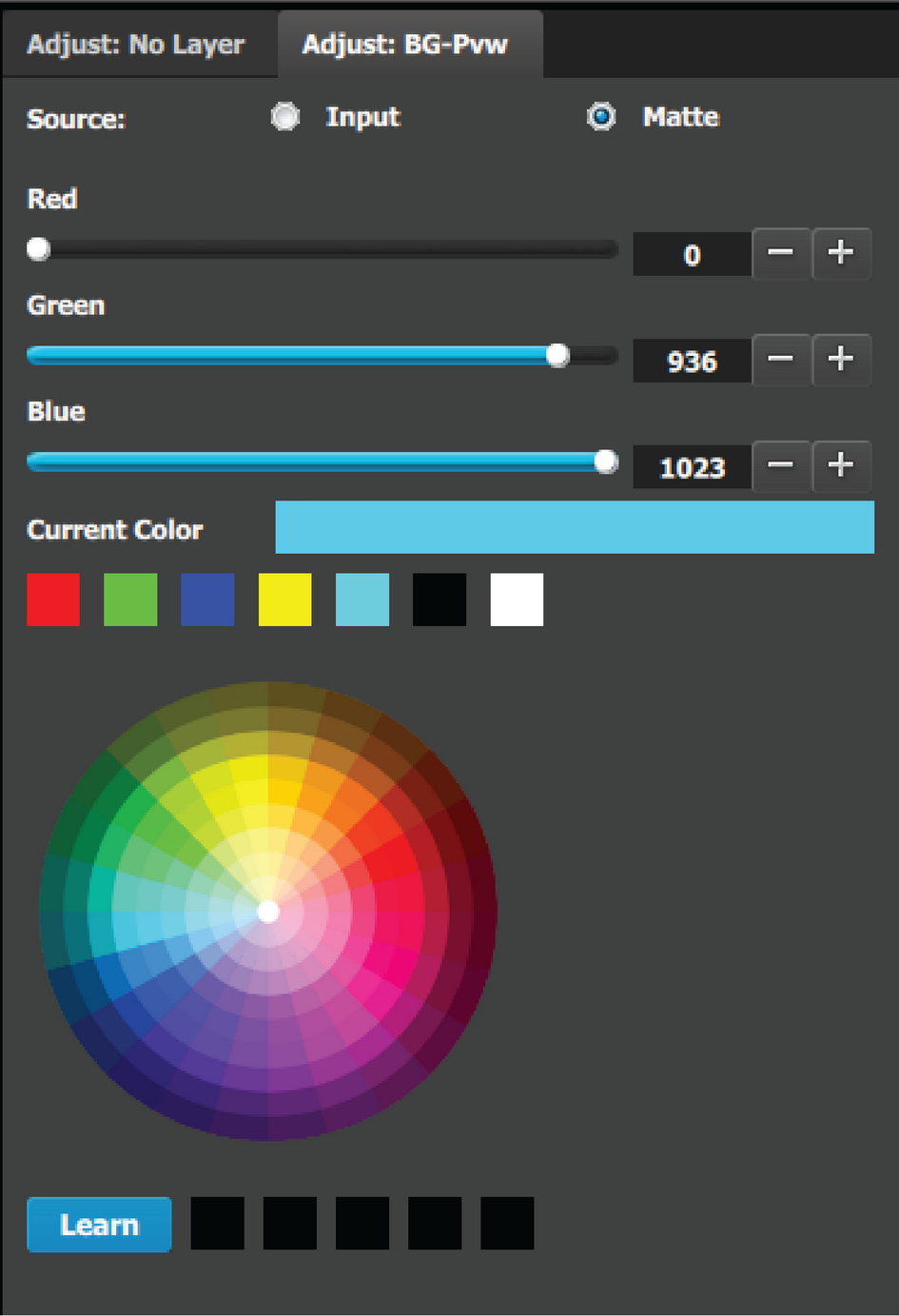 | The Standard color wheel selection is available for the Background Matte too
|