Flow chart


Note: Before you proceed removing the Solid State Memory you need to remove the Bottom Panel as outlined in the related procedure.
Note: The solid-state memory can also be replaced after the System Power board is removed from the unit.

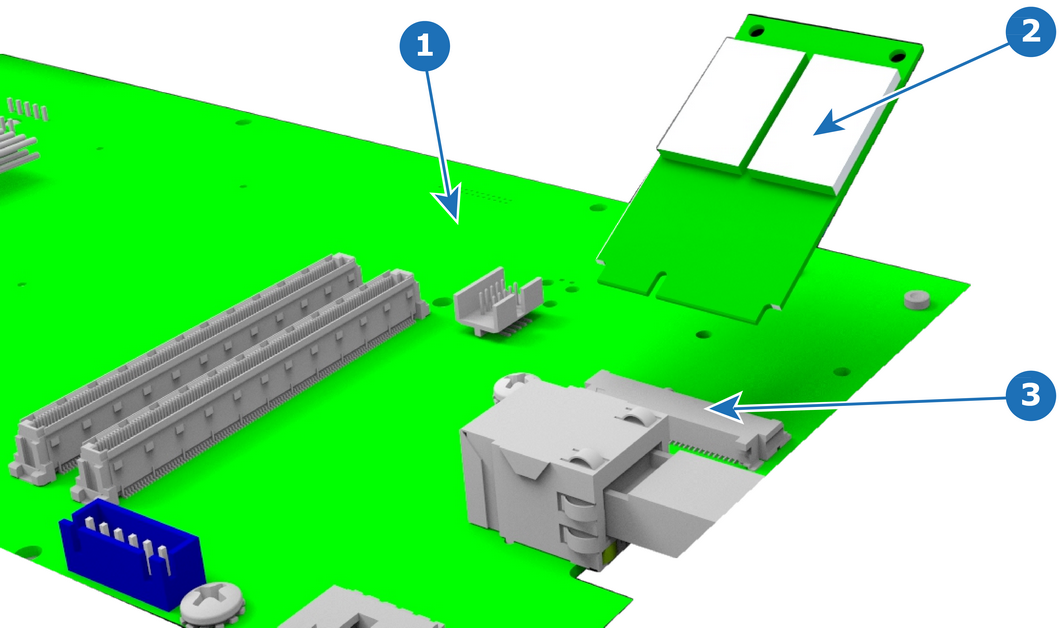
| R767544K | Solid State Memory |
1 x Phillips Screwdriver #2
Carefully remove the memory card from the socket.
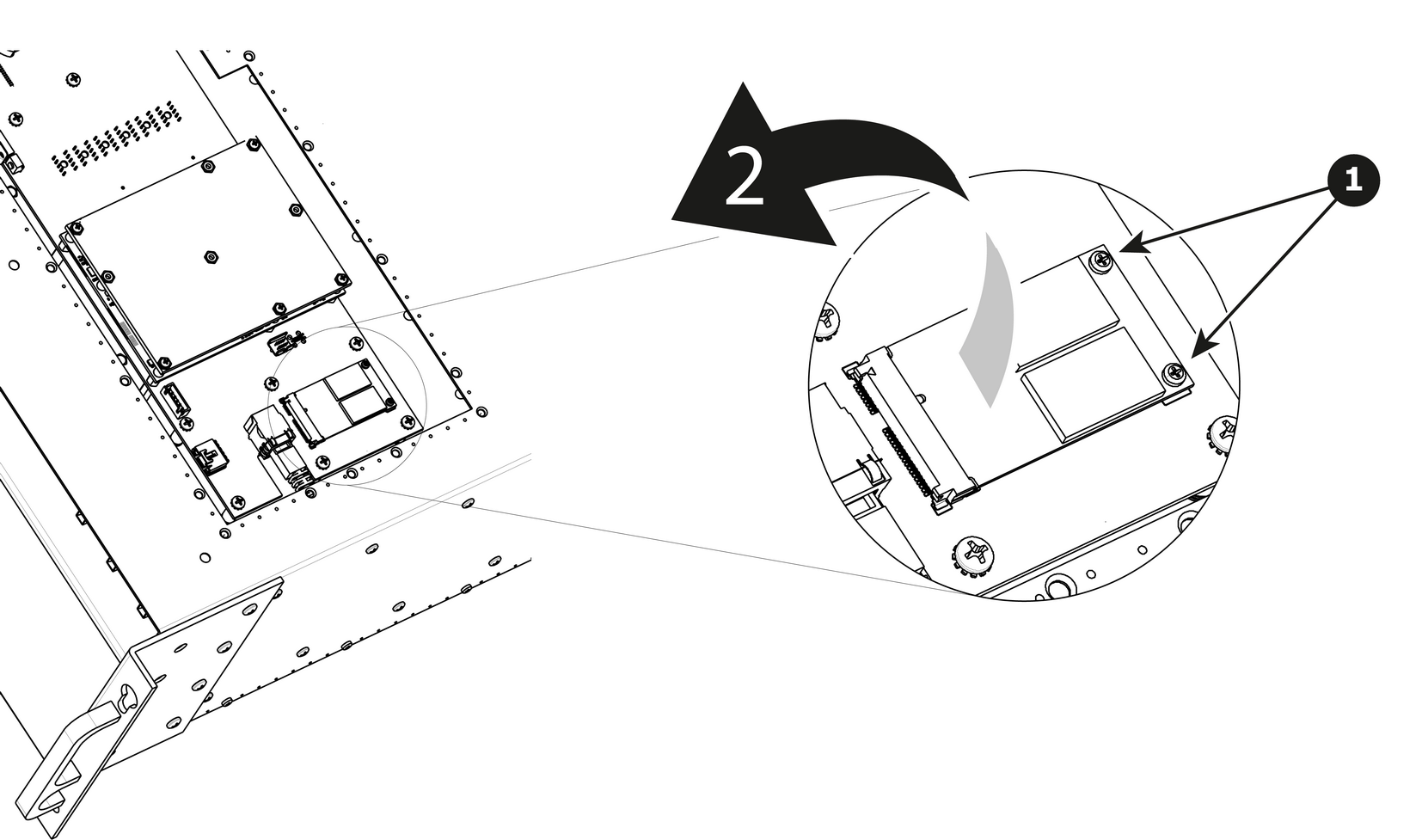
To install the Solid State Memory follow the same procedure in the reverse order.