Flow chart


Note: The Ethernet cable connects the Genlock board to the System Power board. This procedure provides instructions on how to remove the cable from both sides.

| R767269K | Cable Kit Set |
1 x Phillips Screwdriver #2
Locate the Ethernet connector and push the locking clip on the Ethernet cable so it can be released from the socket.
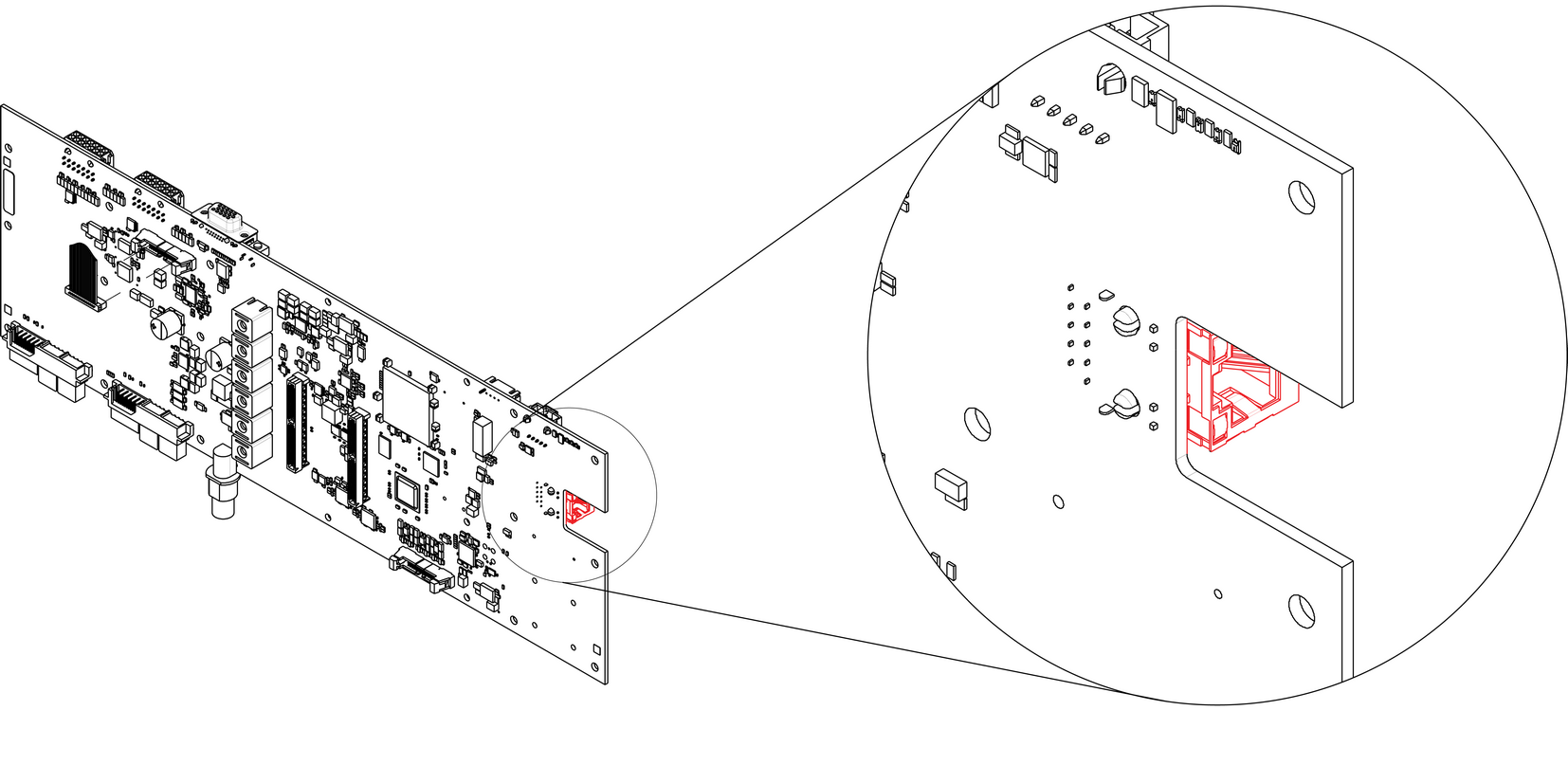
To install the Ethernet Cable follow the same procedure in the reverse order.