General
In this procedure, you will Add Screen Destinations from the defined outputs.

In this procedure, you will Add Screen Destinations from the defined outputs.

Click on the Adjust tab that is located on the top.
Click on the “Adjust” tab that is located on the top. In this Tab there are three sub tabs: Assign, Output and Wide (See below).
From this menu you can:
From this menu you can:
Choose more actions in sub tabs:
 Position:
 Color:
 Timing:
 Connector Settings:
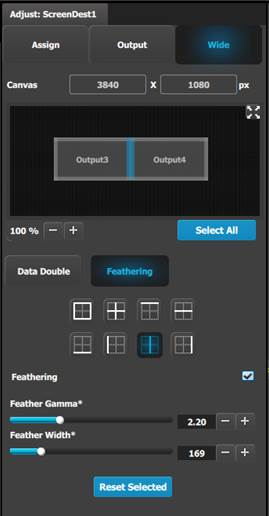
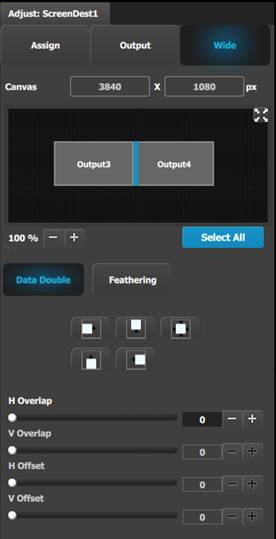
From this menu you choose between the two sub tabs:
Data Double,
where you can adjust data doubling parameters based on the selection done in the window below.
Feathering,
where you can: