5.12 System menu > Lock front panel

General

When the Event Master unit’s front panel is locked, button presses have no effect. In the locked mode:

How to enable and disable the front-panel lock?
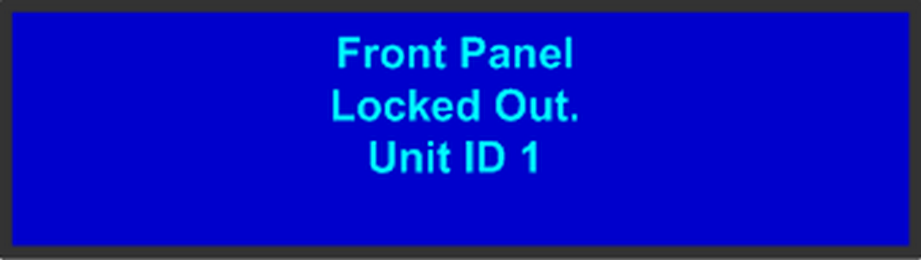
  1. On the System menu, scroll to Lock Front Panel and press SEL. The front panel is locked, and the following message appears:

    Image 5–29 Front Panel Locked Message
  2. To disable the front panel lock, press and hold the SEL and ESC buttons simultaneously for 3 seconds. When the panel is unlocked, the display screen displays the Status menu.