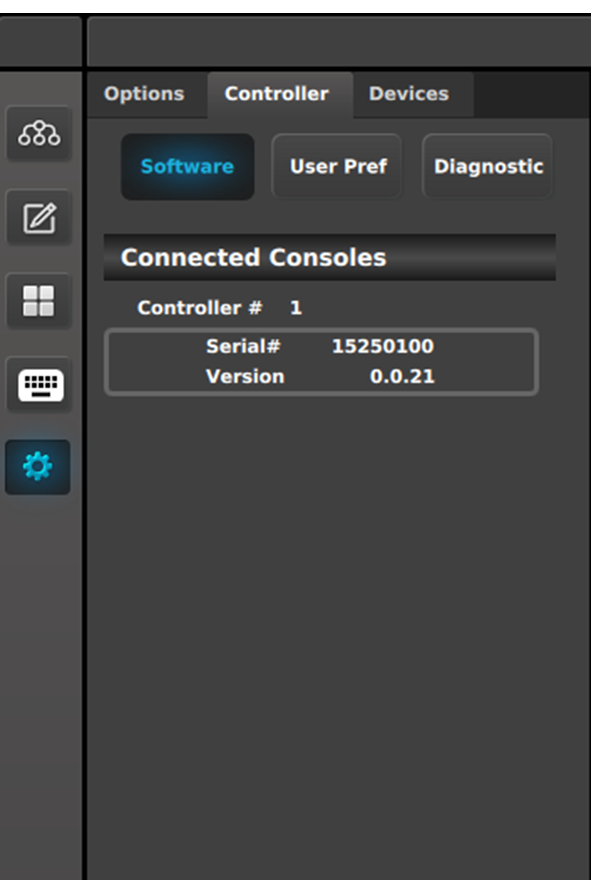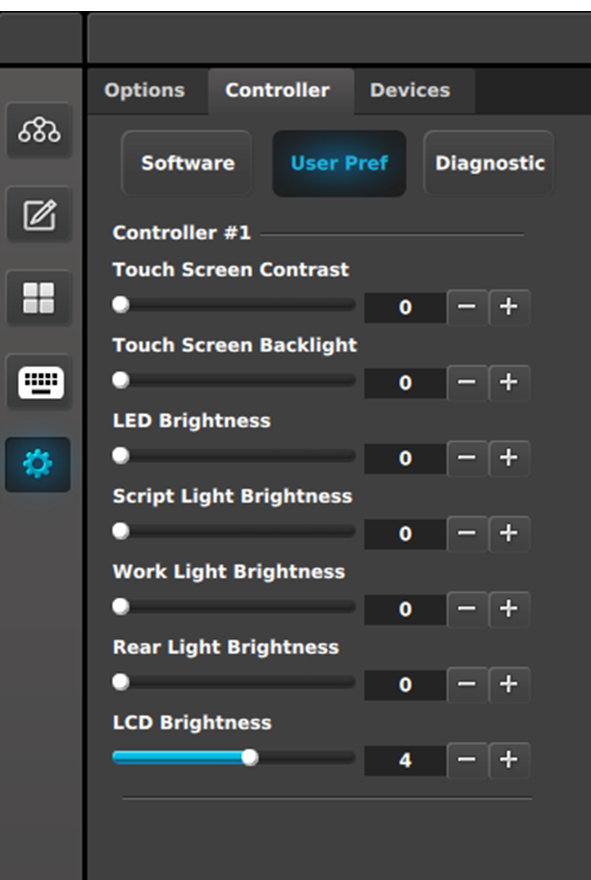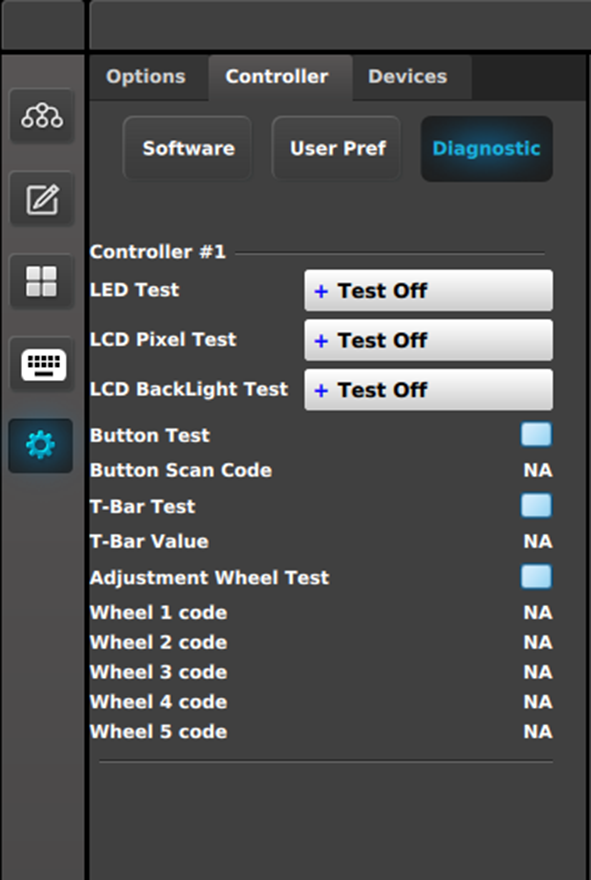
Controller tab: Diagnostic subtab | This panel displays test controls for each detected controller. LED Test: - Test Off: LEDs are returned to normal behavior.
- All Blue/Red: Turns on all blue and red LEDs; other LEDs are turned off.
- All Green: Turns on all green LEDs; other LEDs are turned off.
LCD Pixel Test: - Test Off: LCD text is returned to normal behavior.
- All: All LCD displays are filled (all 256 bits are enabled).
LCD Backlight Test: - Test Off: LCD colors are returned to normal behavior.
- Red: Only LCD red color is turned on.
- Green: Only LCD green color is turned on.
- Blue: Only LCD blue color is turned on.
- All: LCD red, green, and blue colors are all turned on.
Button Test: Checkbox checked: The test is on. When the test is on, do not trigger the behavior of the button. For example, if a button is mapped to a Preset, do not recall that Preset. - Button Scan Code: Pressing a button on the controller shows the button number returned by the API (in place of the “NA”).
T-Bar Test: - Checkbox checked: The test is on.
- T-Bar Value: Moving the T-Bar shows the number returned by the API as the T-Bar changes positions.
Adjustment Wheel Test: - Checkbox checked: The test is on.
- When the test is on, rotating the wheel shows the number returned by the API.
|

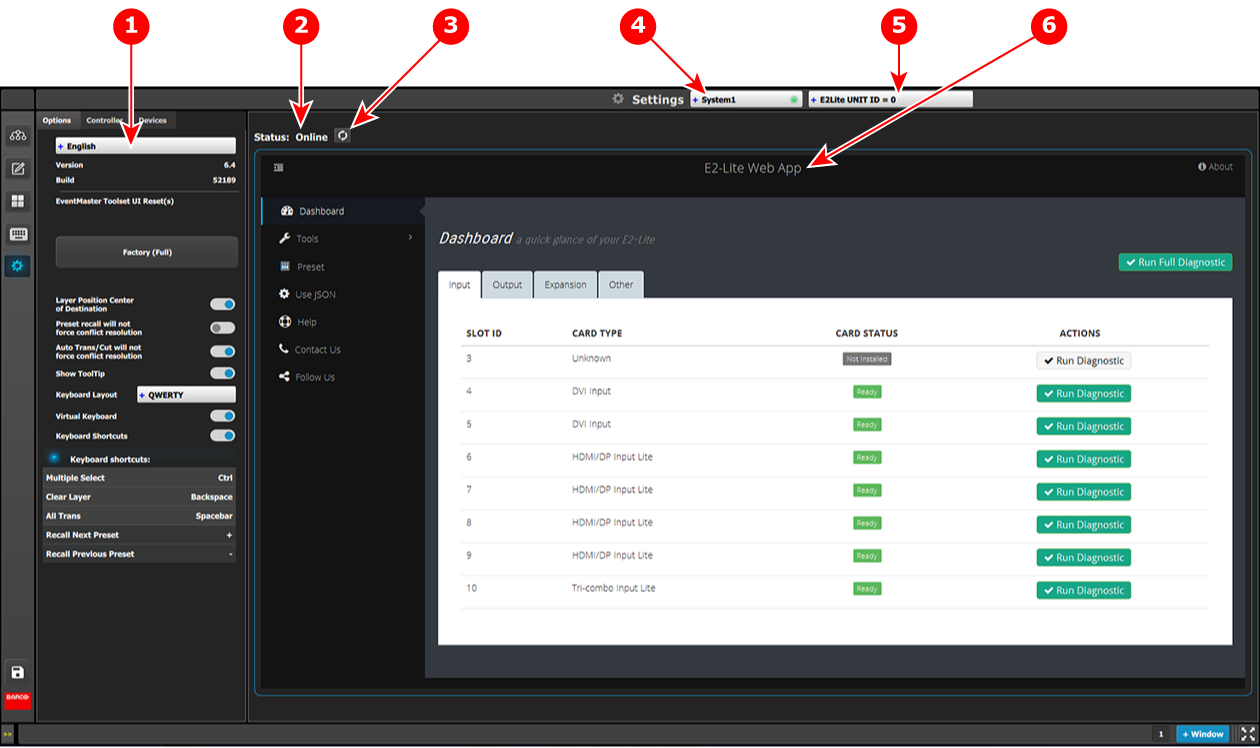
 This menu is accessible by clicking the System Settings icon on the menu bar on the left side of the UI. If there are no System / VPs connected in the system, this button is disabled.