
13.19 System Battery

Flow chart
Image 13–50
Note: Before you proceed removing the System Battery you need to remove the Bottom Panel as outlined in the related procedure.
Note: The System Battery can also be replaced after the System Power board is removed from the unit.
Concerned parts
R9801120Motherboard Battery Kit
Necessary tools

None.

How to remove the System battery
  1. Carefully remove the battery from its socket.
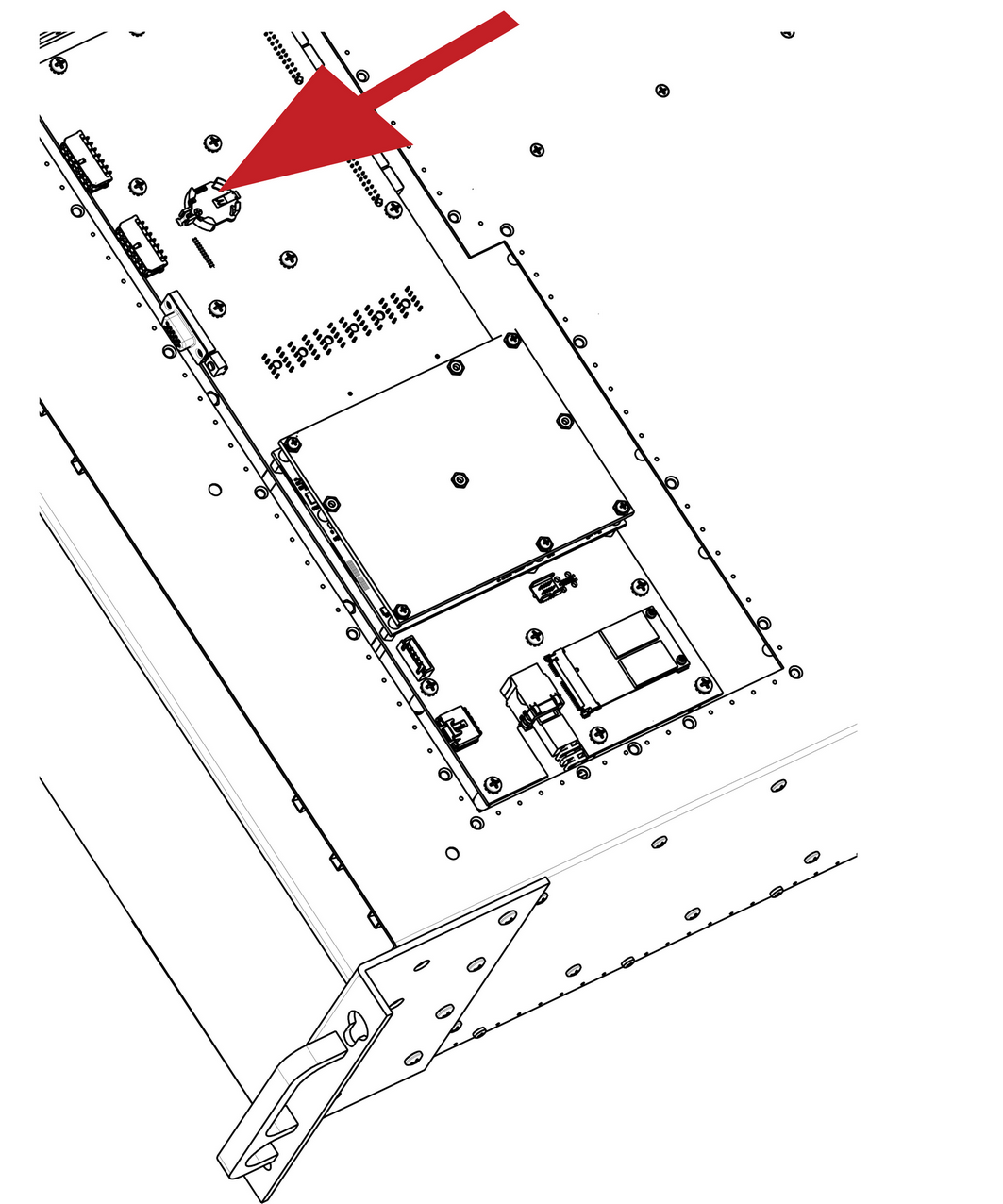
    Image 13–51
How to install the System battery

To install the System battery follow the same procedure in the reverse order.
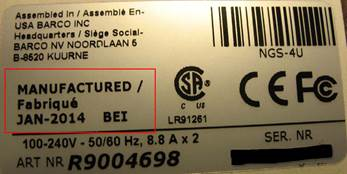
Note: When a new battery is installed, the user need to place a sticker on the inside of the metal plate (Bottom Panel) that indicates when the battery was last replaced. The absence of sticker means the battery has never been replaced. In this case the S/N sticker can be used for the reference date.
Image 13–52