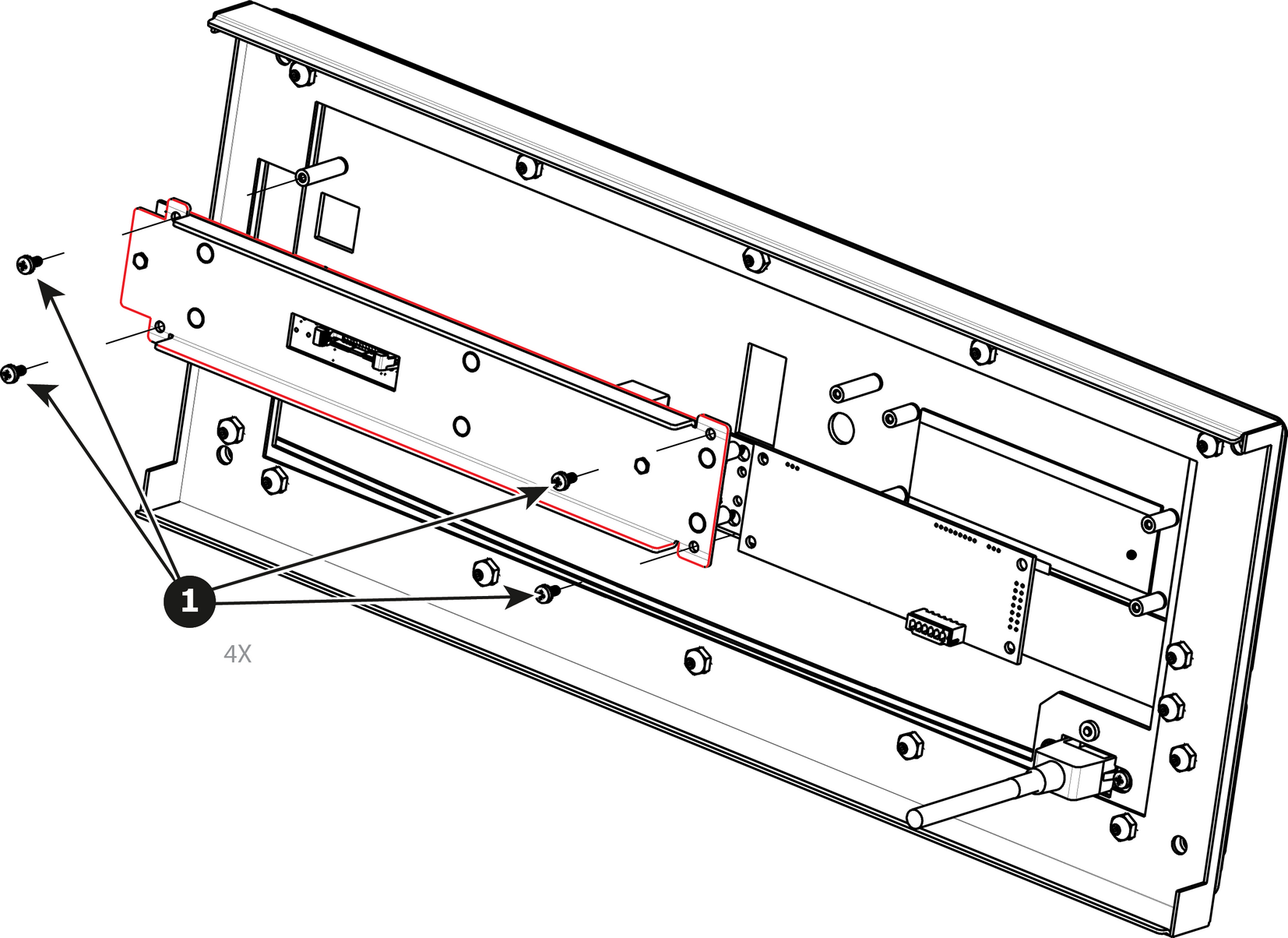
How to remove the Front Panel MountTurn the Front Cover over and remove the four screws (4-40X.25) that secure the control panel mount to the front panel.Image 13–38
How to install the Front Panel MountTo install the Front Panel Mount follow the same procedure in the reverse order.