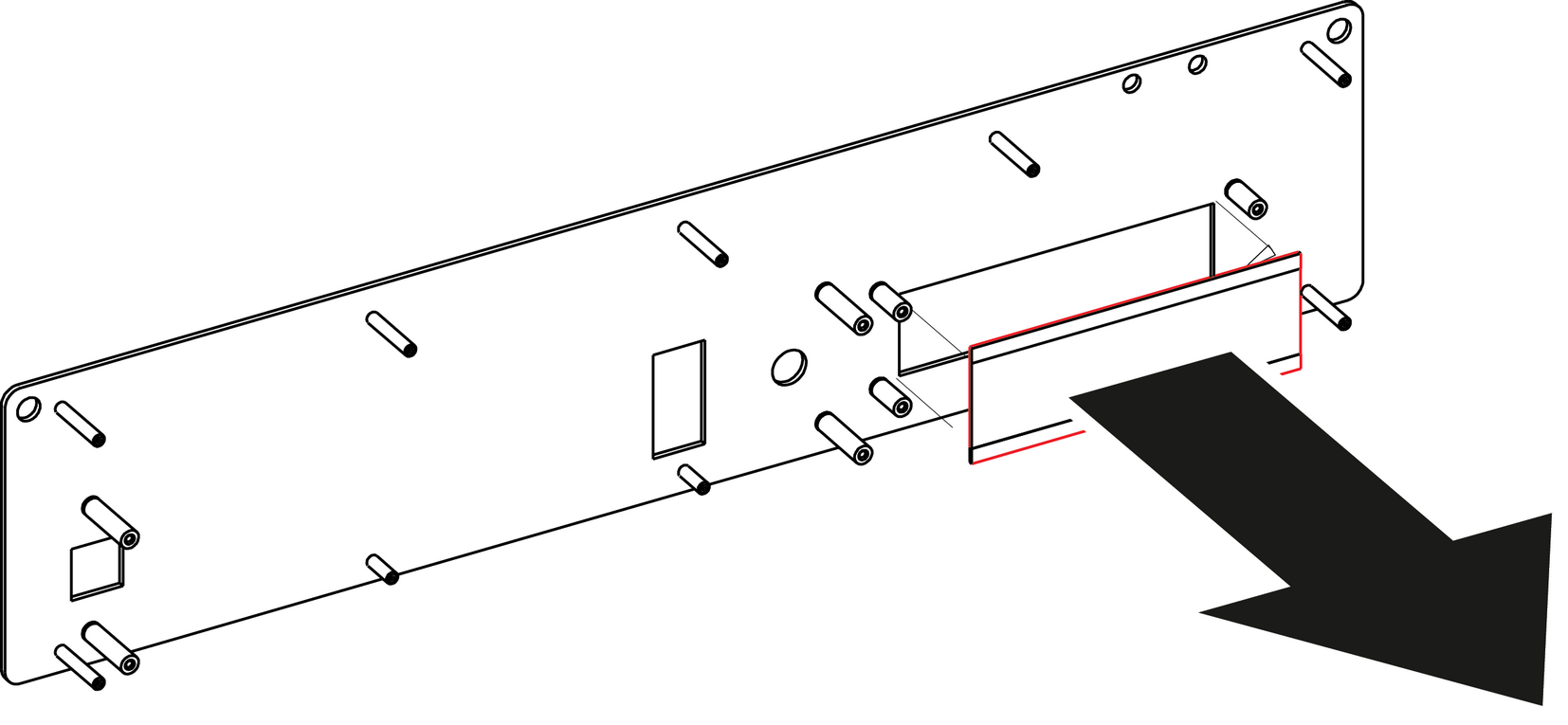
How to remove the VFD Display FilterFrom the front of the unit push hard on the filter until it detaches from the unit.Image 13–45 Use alcohol to clean the adhesive residue that held the filter to the metal plate.
How to install the VFD Display FilterRemove the protective film from the front of the filter and release the liner from the tape.Press firmly the filter into the metal plate.