
Initialization
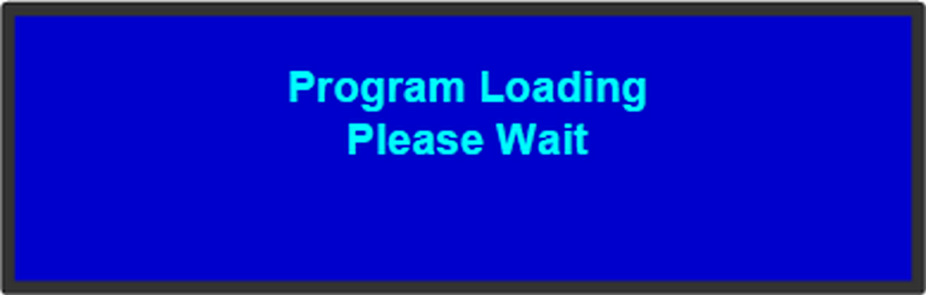
Ensure that your system is properly installed and cabled. Make sure the two AC Connector are properly connected to your facility’s AC power source through the two supplied power cords. Locate the power button on the front panel and turn power On. While the system is initializing, the front-panel buttons light up one at a time, and the following message is displayed.
After system initialization is complete, the Status menu appears.
