General
This part of the Multiviewer Menu allows a user to add and position sources in Multiviewer outputs.

This part of the Multiviewer Menu allows a user to add and position sources in Multiviewer outputs.
The tabs on the top of the layout panel area allow the user to view the two outputs together or individually.

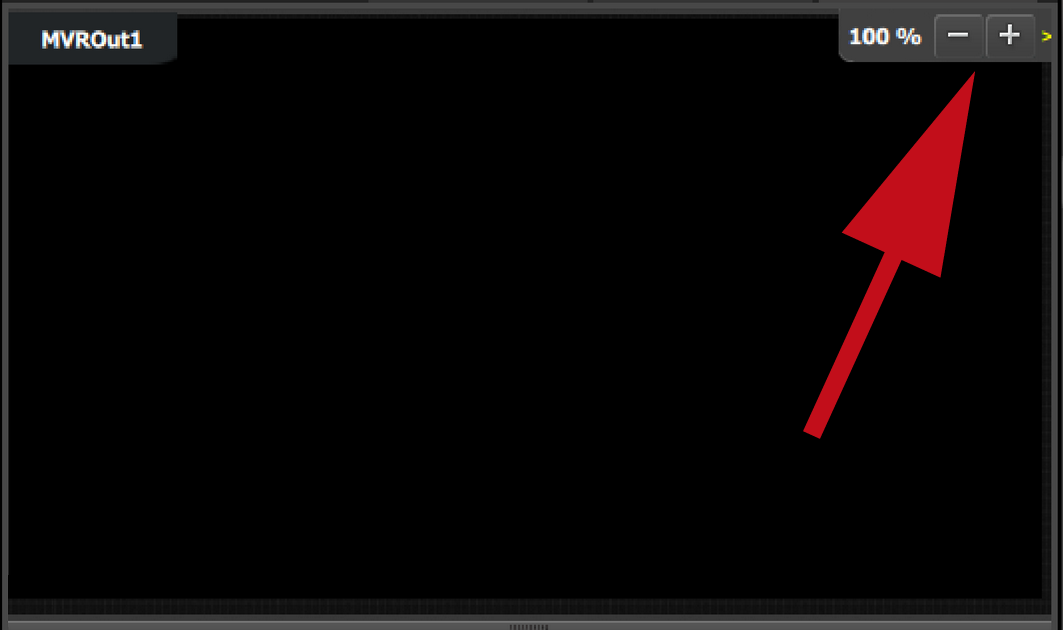
Users can zoom in / out each output individually, in from 25% to 150%, in 25% increments.
Multiviewer windows, also called Image windows, are composed from inputs, backgrounds and destination sources. There are 3 elements that make up a multiviewer image window: Content area, border and UMD (Under-Screen-Display).
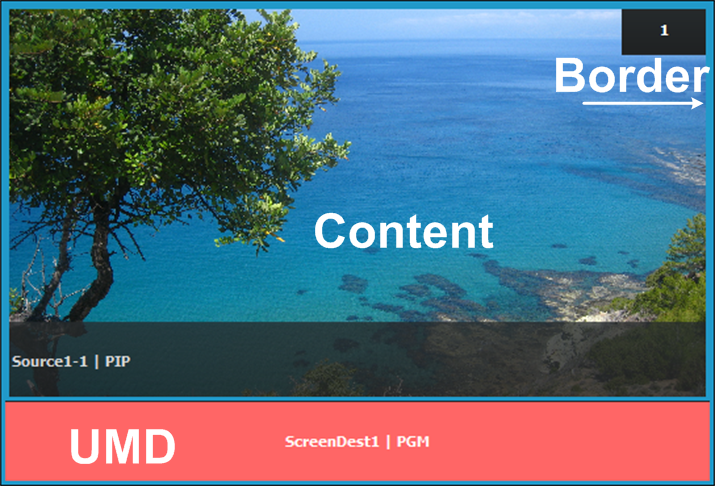
Content area
The default content display area has 16:9 aspect ratio. If the source dragged to this area has different aspect ratio, it will be adjusted horizontally to fit the space.
If the output format of a source is changed after it is placed in the MVR, the change will not follow in the MVR window. The window will need to be resized manually in the adjustment panel.
UMD
The text tracks the name of the source in the display area. If the resource is renamed, the UMD will also change to the new name. The UMD can be edited in the adjustment panel.
One line of text is provided. The UMD area provides for 16 characters. If the text is too long it will be terminated with “…”.
The background color is adjustable; the default color is gray. The UMD color will go red in case sync is lost.
Border
The border width is fixed at 5 pixels. Border color is adjustable with the default color blue. The border will go red in case sync is lost.