Flow chart


Note: Before you proceed removing the VFD Display mount you need to remove the Front Cover Assembly as outlined in the related procedure

| R767241K | VFD Display Assembly |
1 x Phillips Screwdriver #2
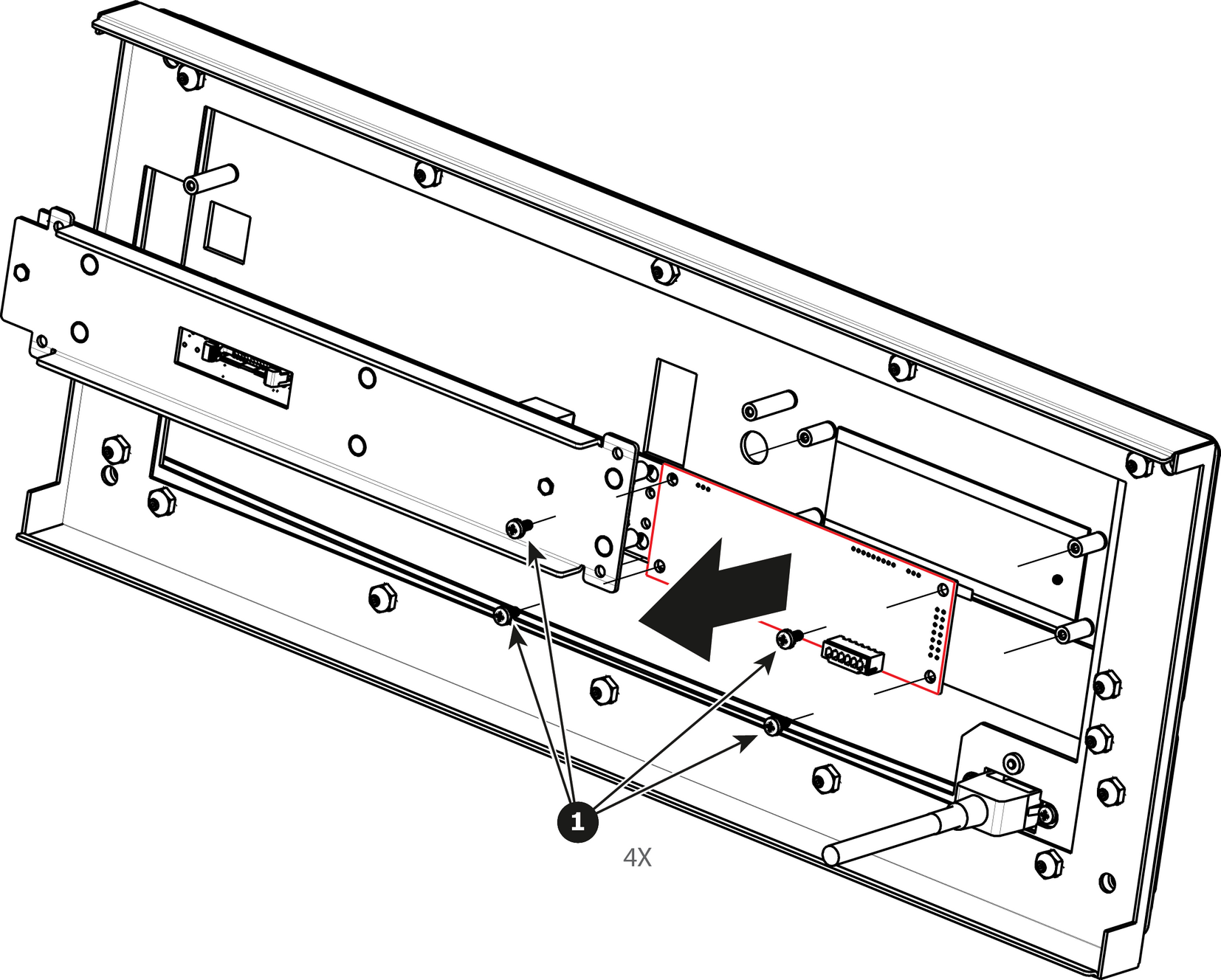
Turn the Front Cover over and remove the four screws (4-40X.25) that secure the VFD display assembly to the front panel mount.
To install the VFD Display Assembly follow the same procedure in the reverse order.