General
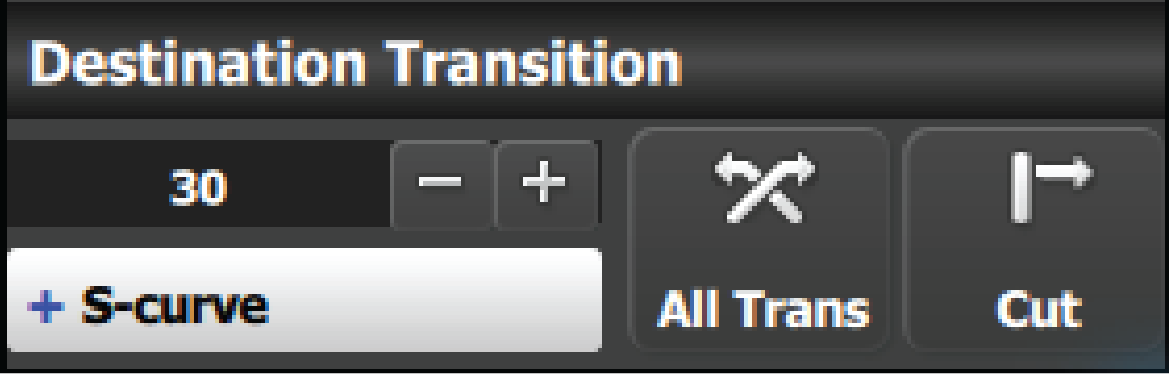
At the bottom of the adjustment panel, are the transition rate and type buttons. These actions are executed for the selected Destinations.

At the bottom of the adjustment panel, are the transition rate and type buttons. These actions are executed for the selected Destinations.
These controls are disabled if no Destination is selected.
All Trans button
This button transitions the Preview into Program according to the transition rate. The transition Rate is transition rate in frames of the native rate.
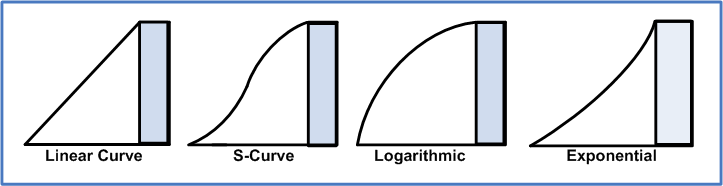
Four transition types are available: Linear, S-Curve, Logarithmic and Exponential.
CUT button
Pressing the CUT button immediately presents the Preview to the Program.