To adjust the display position
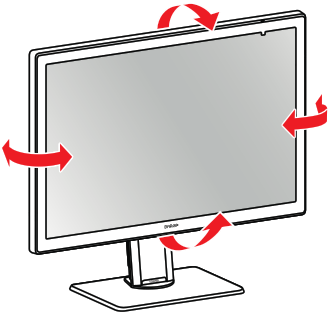
After unpacking, you can safely tilt and swivel the display to your preferred position.
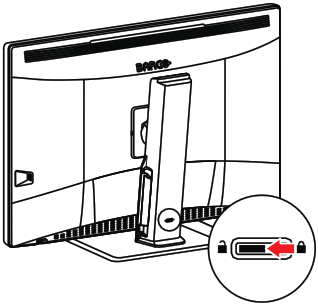
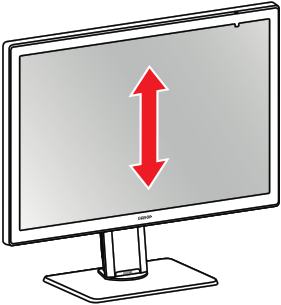
To adjust the height of the display, first move the slider at the back of the stand to the unlock position. Then you can raise or lower the display as desired.