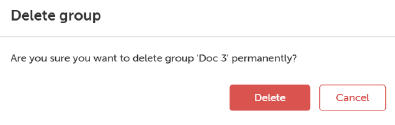
How to deleteSelect the group by clicking on the group name from the Projector groups sidebar.Click Delete group button.The Delete group window will be prompted.Image 5–6 Click Delete.