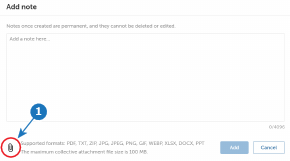
How to addClick on the Add note button.The Add note will be prompted.Image 4–8 Type the text in the Add a note here field. Note: To add attachments to a note, click the attachment icon (reference 1, Image 4–8).Note: A note cannot be deleted or changed after it is created.Click Add.