Location
- ISM main sidebar > > Device detail page > > >

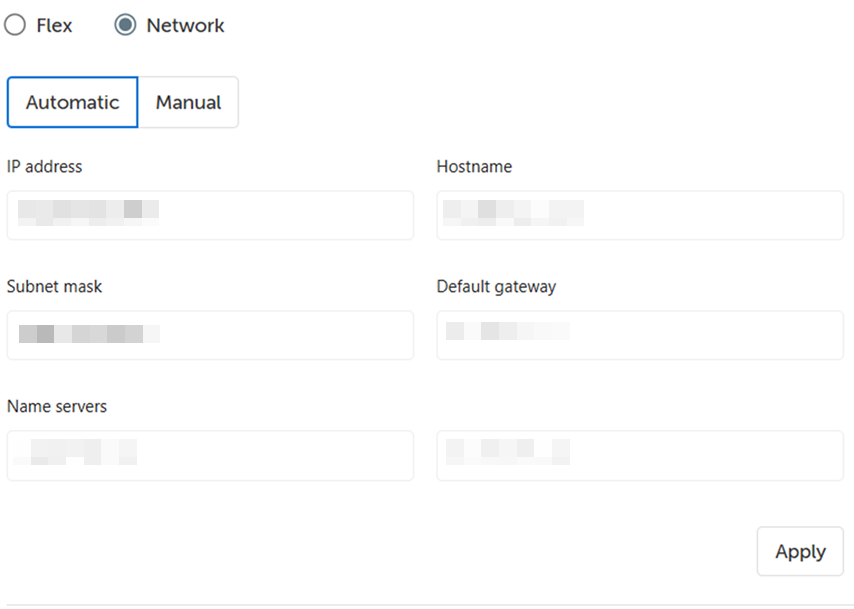
Click .
The DHCP server settings become active and replace the previous network configuration.
Click .
The window will be prompted.
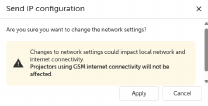
Click .
The request is sent to the projector, and when it succeeds, it refreshes the network settings in the projector details view and shows .