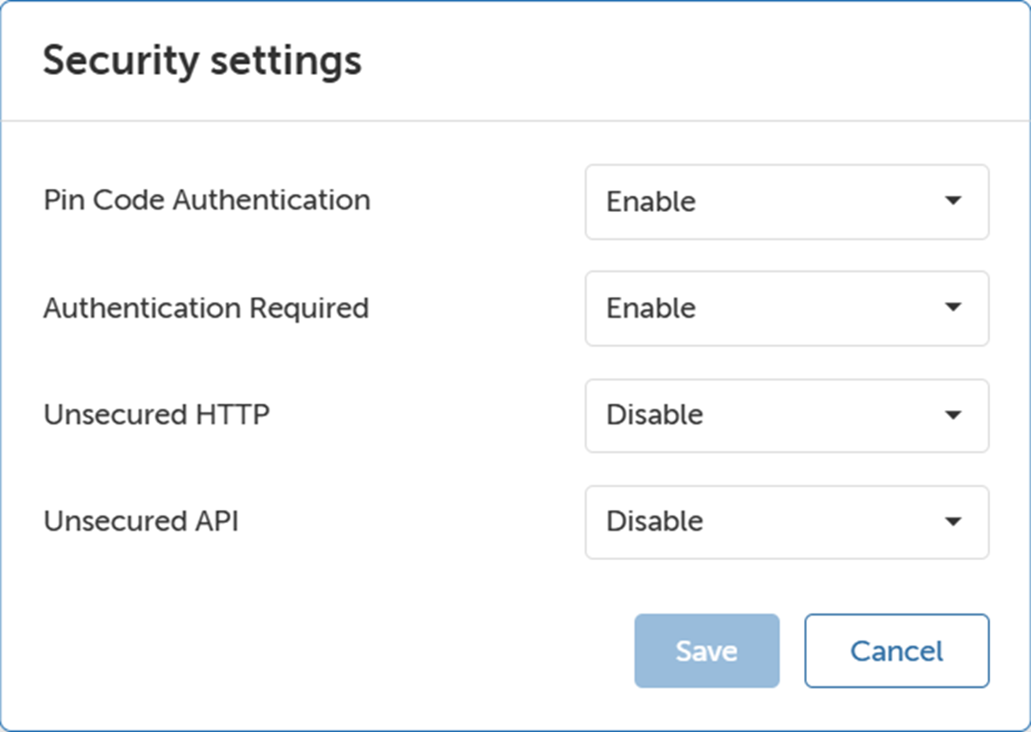
How to apply security settingsClick Security settings.The Security settings window will be prompted.Image 4–33 Set the PIN code authentication, Authentication required, Unsecured HTTP, and Unsecured API fields to the required values.Click Save.