4.9.6 Firmware update

Note: Actions executed here are applied instantly to the device while it is online. No queuing or deferred execution is possible.
Note: Firmware update is not available for offline projectors.
Note: A new firmware version may not always be available.
Location
Layout
Image 4–34
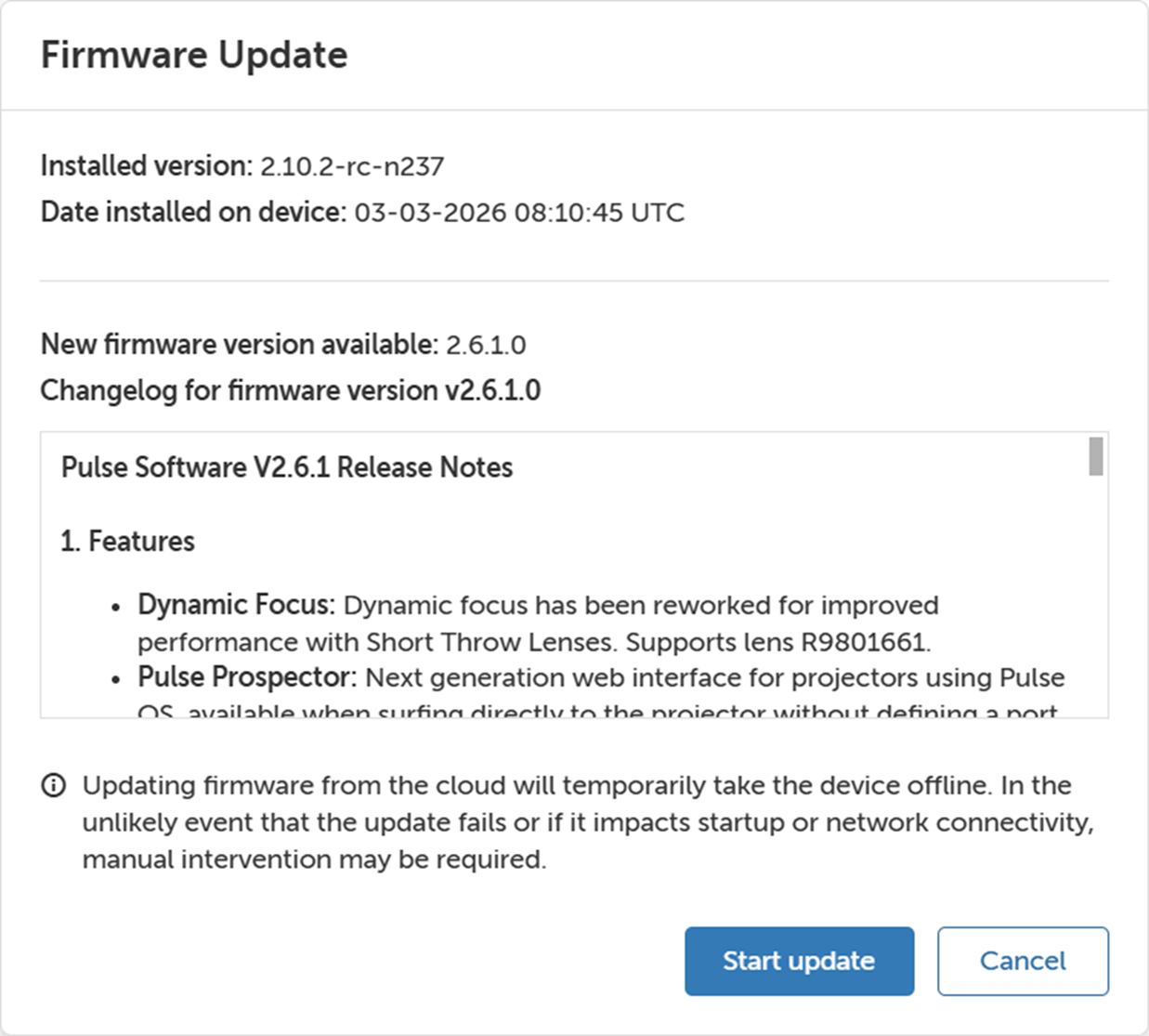
How to update firmware update
  1. Click Firmware update.

    The Firmware update window will be prompted.

    Image 4–35
  2. Click Start update.

    A pop-up window shows whether the firmware was installed successfully or if the installation failed.