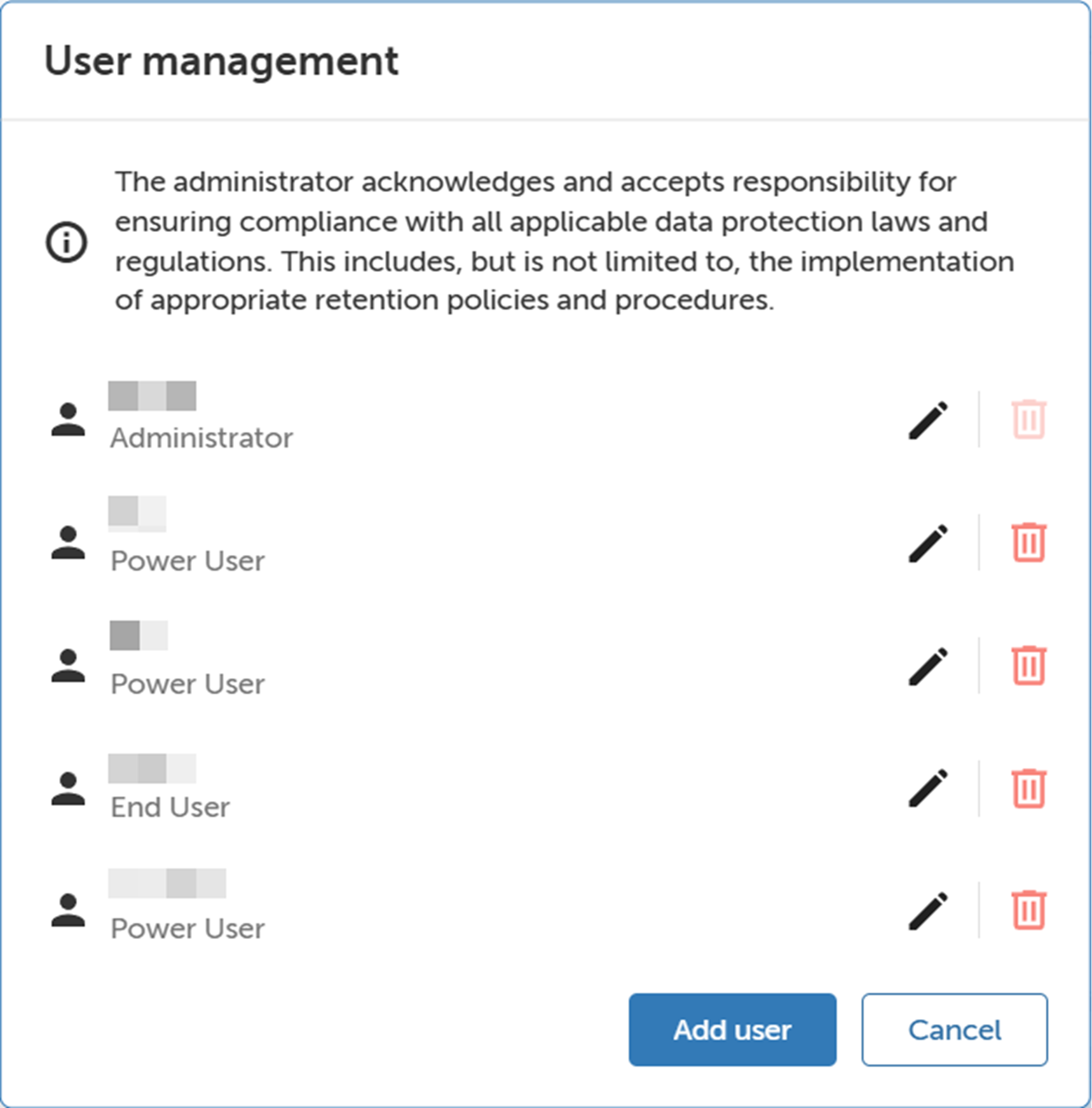
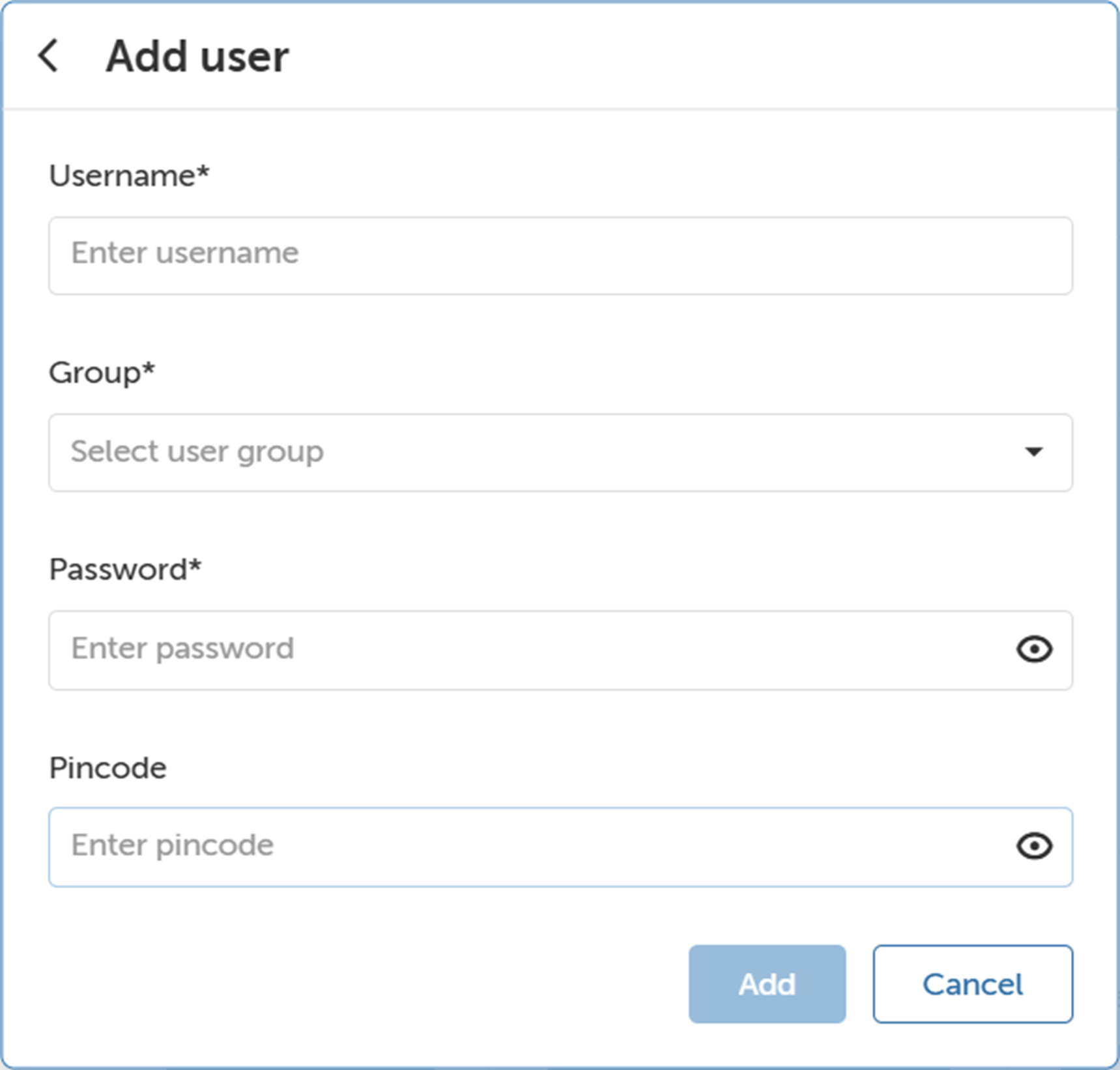
How to add usersClick User management.The User management window will be prompted.Image 4–30 Click Add user.The Add user window will be prompted.Image 4–31 Fill in the Username, Group, Password and Pincode.The new user is created.