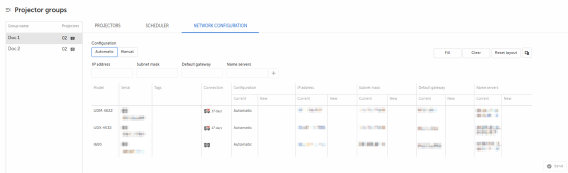
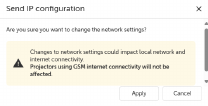
How to set group network settings in automatic modeSelect the group by clicking on the group name from the Projector groups sidebar.Click Fill.New network parameters will be filled.Click Send.The Send IP Configuration window will be prompted.Image 5–13 Click Apply.The request is sent to the devices, and when it succeeds, it refreshes the network settings.