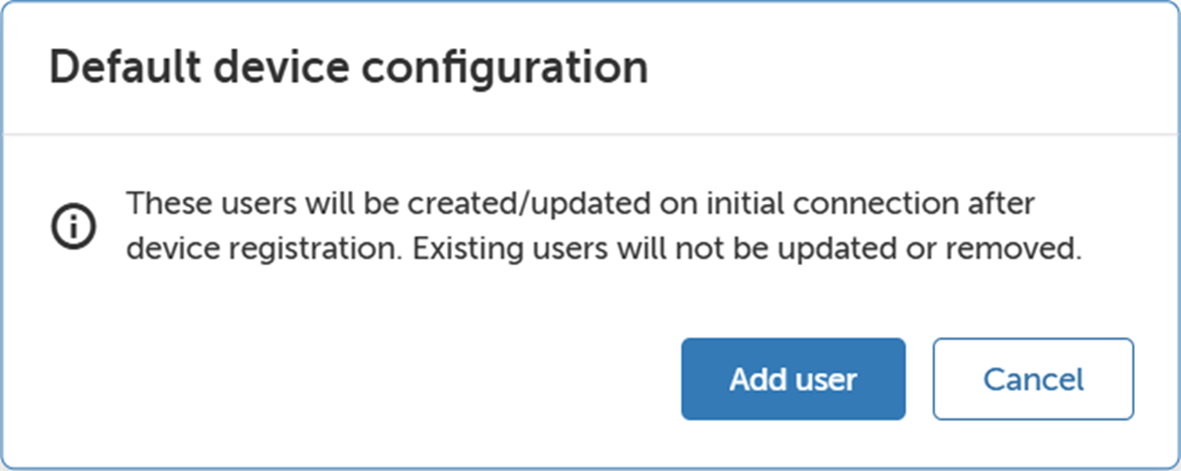
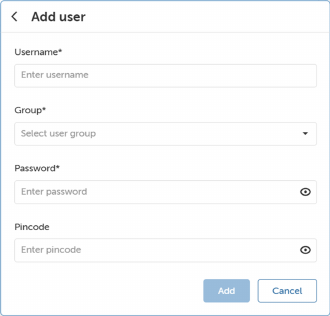
How to setClick Default device configuration.The Default device configuration window will be prompted.Image 2–7 Click Add user.The Add user window will be prompted.Image 2–8 Fill in the Username, Group, Password and Pincode.Click Add.Note: These users will be created/updated on initial connection after device registration. Existing users will not be updated or removed.