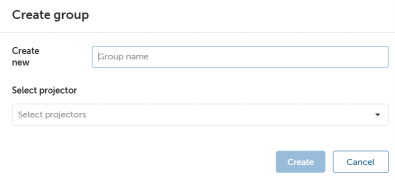
How to createClick Create group button.The Create group window will be prompted.Image 5–4 Fill in the group name in the Create new field.Select the desired projectors from the Select projector drop-down list.Click Create.