About sorting
IMS supports cascading sorting, enabling multiple columns to be sorted in any chosen order.

IMS supports cascading sorting, enabling multiple columns to be sorted in any chosen order.
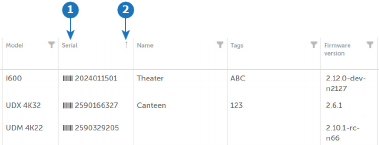
Left-click the label of the column you want to sort. For example “Serial” (reference 1).
Devices are sorted by the selected column, with an icon (see reference 2) indicating ascending or descending order. Clicking the column label again reverses the sorting direction..
Optional, right-click on another column label.
A window will appear with three options: Sort Ascending, Sort Descending, and Clear Sorting.
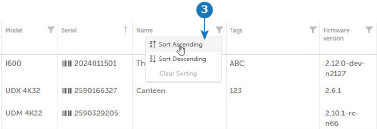
Select the desired sorting option.
The system will apply a secondary sort, keeping the order of the first column while sorting by the second one.
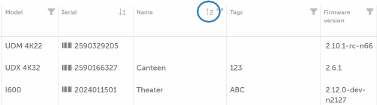
Optional, repeat step 2 and 3 to sort more columns
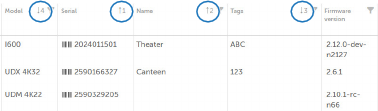
To reset all sorting, left-click any column label to remove all applied sort orders.